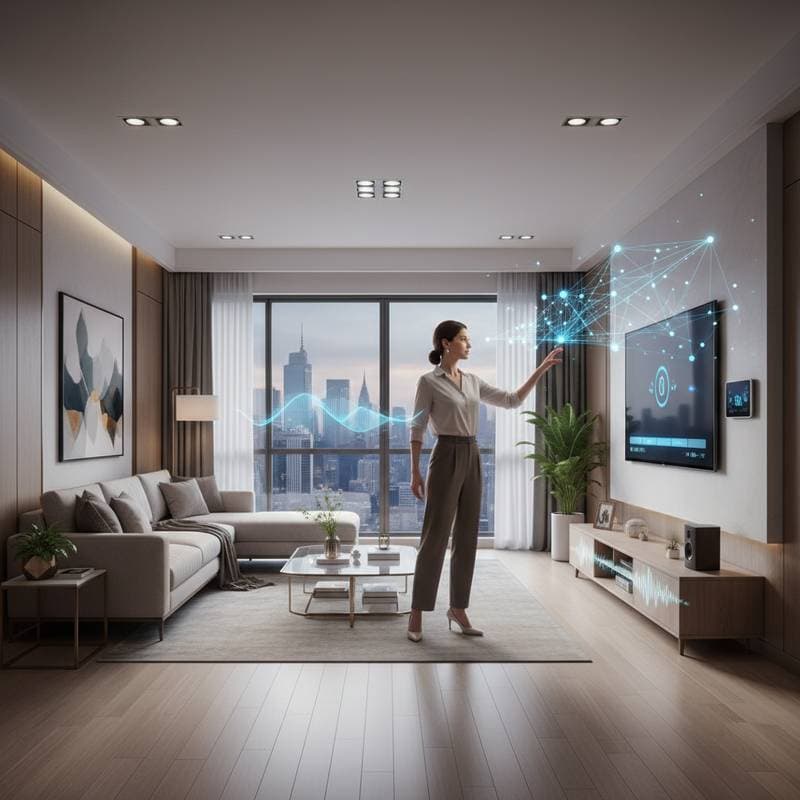
Touchless Gesture Control Redefines Smart Homes
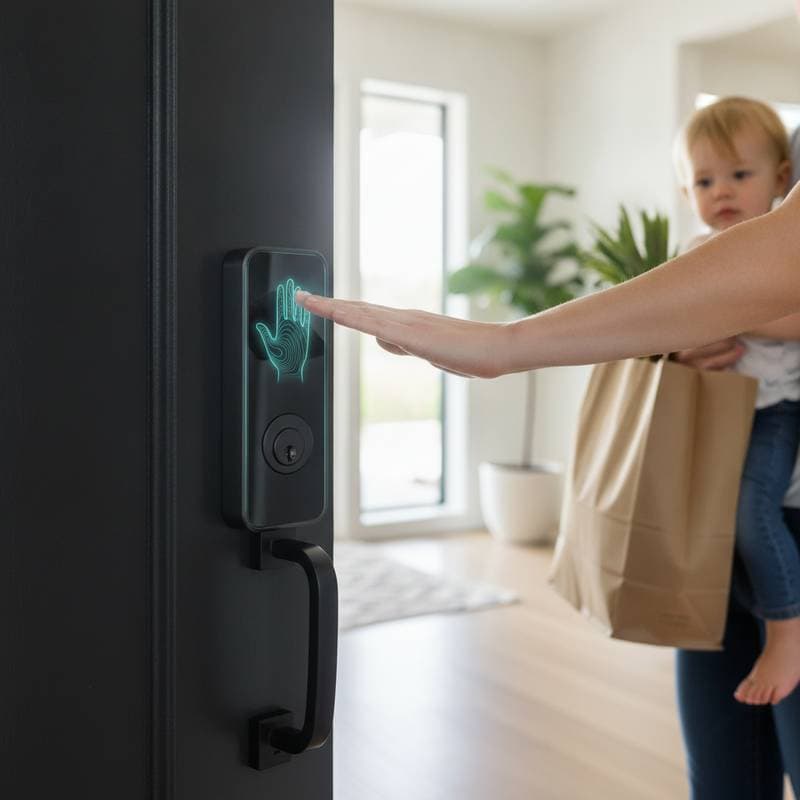
Imagine entering your home carrying groceries. A quick wrist flick activates the kitchen lights without any physical contact. Music resumes from its previous point, and the air purifier starts operating quietly. This scenario represents the current reality of touchless gesture control, a technology that alters daily interactions within living spaces.
Everyday Challenges That Inspired Innovation
Daily routines often involve managing multiple tasks while avoiding dirty switches or remotes. Cooking with messy hands or returning from exercise makes touching screens or using voice commands impractical. Existing methods depend on physical contact or verbal input, which prove inconvenient or inconsistent at times.
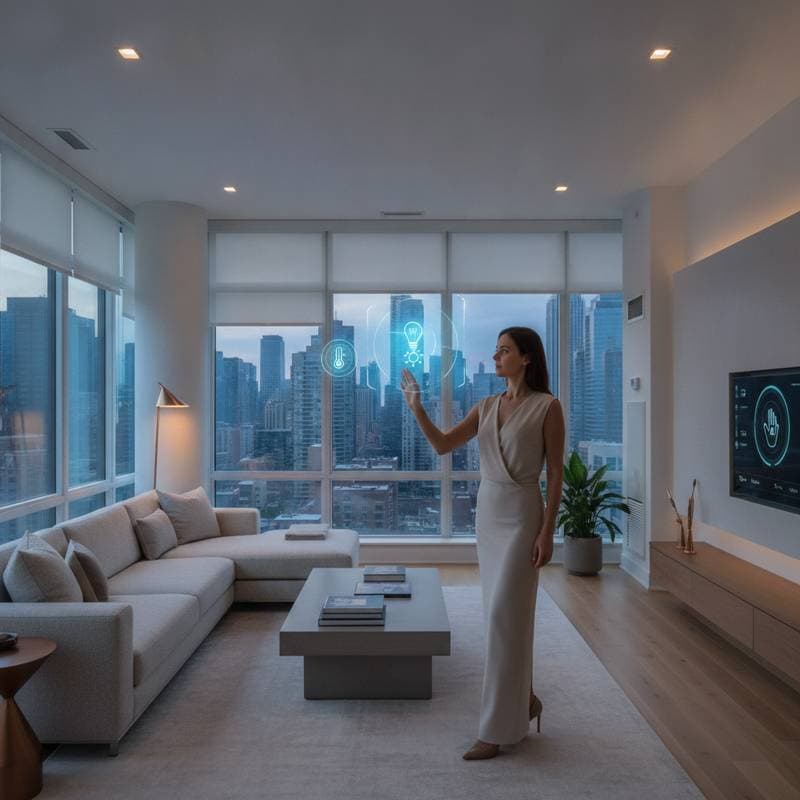
Gesture control introduces greater independence. A wave, swipe, or hand rotation manages lighting, temperature, entertainment, and security. This approach positions the smart home as a natural extension of personal movement.
Integration Within Smart Home Systems
Touchless gesture control fits within the category of smart hubs and ecosystems. It links devices via spatial sensing that processes motion from cameras, radar, or infrared sensors. The system converts these motions into specific instructions, such as raising blinds with an upward palm gesture or adjusting volume through a circular motion.
This method provides a seamless experience. Users escape the limitations of remotes, mobile devices, or verbal cues. The surroundings adapt to presence and gestures, resulting in smooth and refined interactions.
Core Technologies Driving Gesture Recognition
Advanced sensors and spatial computing algorithms form the foundation of gesture systems. These elements evaluate movement position, velocity, and trajectory. Key sensing technologies encompass radar-based units that identify subtle actions through obstacles or in dim conditions, time-of-flight cameras that calculate distances via light reflection timing, and infrared arrays that detect thermal patterns and motion.
Systems achieve optimal performance by integrating multiple sensor types. This combination maintains reliability despite variations in illumination or positioning.
Steps to Implement Gesture Control
Begin implementation on a modest scale without requiring a complete system replacement.
-
Select a compatible ecosystem. Align with your primary platform, such as Google Home, Amazon Alexa, or Apple HomeKit, for smooth integration.
-
Acquire appropriate sensors. Start affordably with the SONOFF SNZB-06P Zigbee Motion Sensor at approximately $20, which responds to basic motion for lights or appliances. Advance to the Aqara FP2 Presence Sensor at about $80, utilizing millimeter-wave radar for zone-specific micro-movement detection. For superior precision, choose the Ultraleap Leap Motion Controller 2 at around $140, which supports custom integrations through open APIs.
-
Connect to an automation hub. Platforms like Home Assistant or Hubitat enable linkage of sensors to lighting, heating, ventilation, air conditioning, or media systems, facilitating conditional automation rules.
-
Customize gestures. Personalize actions, such as dimming lights with a clockwise rotation or changing scenes with a double wave. Introduce a limited set initially and expand based on usage.
-
Evaluate and adjust. Allow the system to adapt to your environment and patterns. Modify sensitivity to prevent unintended activations from routine activities.
Current Relevance of Gesture Control
Voice assistants and applications have streamlined smart home operations, yet gesture control addresses specific limitations. It functions without sound, delivers immediate responses, and avoids microphones or screens. These qualities suit scenarios prioritizing discretion, cleanliness, or ease of access.
Similar technologies appear in medical facilities, professional kitchens, and vehicle designs. Extending these features to residential settings follows a logical progression.
Key Performance Factors: Latency and Precision
Response latency defines the effectiveness of gesture systems, with delays exceeding 200 milliseconds appearing sluggish. Leading sensors achieve approximately 50 milliseconds, creating an immediate feel.
Precision represents another critical aspect. High-end models recognize gestures with over 95 percent accuracy, while basic versions falter in variable lighting or busy settings. Select sensors equipped with onboard processing for dependable results.
Devices Manageable Via Gestures
Contemporary systems oversee diverse equipment:
- Lighting: Modify intensity, hue, or presets through wrist movements.
- Climate controls: Alter temperature or airflow with sweeping motions.
- Media systems: Initiate, halt, or advance content without remotes.
- Security devices: Adjust camera views or initiate notifications.
- Blinds and shades: Raise or lower with broad gestures.
Such controls enable subtle adjustments during social gatherings, maintaining conversational flow while enhancing ambiance.
Budget and Installation Overview
Entry-level configurations, incorporating existing bulbs and basic sensors, range from $100 to $200. Comprehensive multi-room setups with advanced radar and automation fall between $700 and $1,200, varying by space size and complexity.
Self-installation requires several hours, while professional services may span a full day for alignment. Adhere to local electrical regulations, and engage a qualified electrician for overhead or integrated installations.
Addressing Privacy, Safety, and Dependability
Gesture systems enhance privacy by eliminating audio capture, unlike voice alternatives. Camera-dependent setups demand local data storage or secure networks. Review manufacturer guidelines prior to cloud integration.
For safety, secure mountings away from heat or dampness. Opt for ingress protection-rated devices in kitchens or bathrooms.
Advancing to Sophisticated Interactions
After establishing basic hand gestures, explore full-body or head-based controls for zone management without arm extension. Future integrations may incorporate eye tracking for precise adjustments.
Spatial computing developments blend gestures with augmented reality, allowing virtual interfaces for device settings. This evolution promises more intuitive command methods.
Gesture Control Versus Alternatives
| Control Method | Advantages | Disadvantages |
|---|---|---|
| Voice | No hands required, natural dialogue | Affected by background noise or dialects |
| Mobile applications | Comprehensive features, distant operation | Demands a device |
| Physical panels | Standard interface, exact control | Lacks cleanliness during activities |
| Gestures | Quiet, rapid, sanitary | Requires setup and unobstructed views |
Gestures complement other approaches effectively. For instance, initiate playback with a wave, then refine settings via application.
Ensuring Long-Term Compatibility
Prioritize hardware supporting open standards like Zigbee, Z-Wave, or Matter for future adaptability. Regular firmware enhancements improve detection and introduce new commands.
Dedicated local processing, such as via a Raspberry Pi, minimizes cloud reliance and accelerates responses.
Overcoming Typical Obstacles
Refinement resolves common hurdles:
- Unintended activations: Lower sensitivity or restrict detection areas.
- Overlooked commands: Enhance illumination or relocate sensors.
- Delayed reactions: Alleviate network traffic or employ wired connections.
- Device incompatibilities: Leverage unified platforms like Home Assistant for seamless bridging.
Initial adjustments demand time, but calibrated systems integrate effortlessly into routines.
Broader Benefits in Daily Use
Beyond ease, gesture control aids individuals with physical or verbal challenges. It supports sanitation in communal areas by reducing contact points. In households with young children, it minimizes risks near hazardous zones like water or stoves.
Open layouts benefit from zonal controls, such as activating room-wide lighting with expansive motions or targeting single fixtures precisely. This fosters a cohesive interaction with surroundings.
Getting Started with Implementation
Initiate in high-impact areas like kitchens or living rooms, where multitasking prevails. Expand as comfort grows.
For complex setups, certified professionals optimize coverage and hub connections. Online platforms facilitate expert matching by outlining objectives and reviewing proposals.
Dedicate initial days to testing gestures, tweaking parameters, and developing personalized sequences. Frequent engagement solidifies intuitive use.
Experiencing Responsive Living
Gesture control integrates subtly over time, rendering the home attentive to movements. Lights dim upon departure, and shades lift with morning routines.
This technology elevates smart homes to dynamic entities attuned to individual needs. It delivers hygienic, silent management, realizing the potential of interconnected environments.
FAQs
How does gesture control differ from motion detection?
Motion detection registers general activity, whereas gesture control deciphers distinct motion patterns for targeted responses.
Can gesture control function in dim conditions?
Radar and infrared sensors perform in low light, although camera systems benefit from slight illumination.
Does it integrate with standard smart hubs?
Sensors connect to Google Home, Amazon Alexa, and Apple HomeKit via Zigbee or Wi-Fi adapters.
What detection range do sensors typically offer?
Home units cover one to three meters, influenced by design and placement.
Is internet required for gesture control?
Offline local operations suffice, though updates or advanced functions may need connectivity.
Can users define unique gestures?
Advanced systems support profiles for personalized commands per individual.
How secure is the data?
Non-visual radar sensors prioritize privacy; employ encryption for networked elements.
Which area suits initial setup?
Kitchens and living spaces gain most from hands-free capabilities during active use.