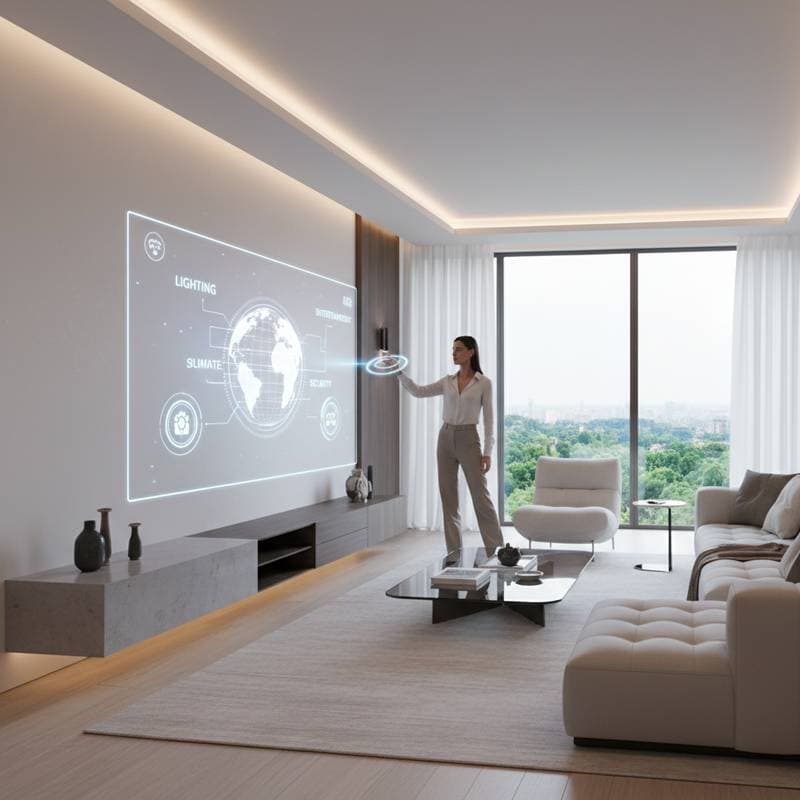
Envision a Screen-Free Living Space
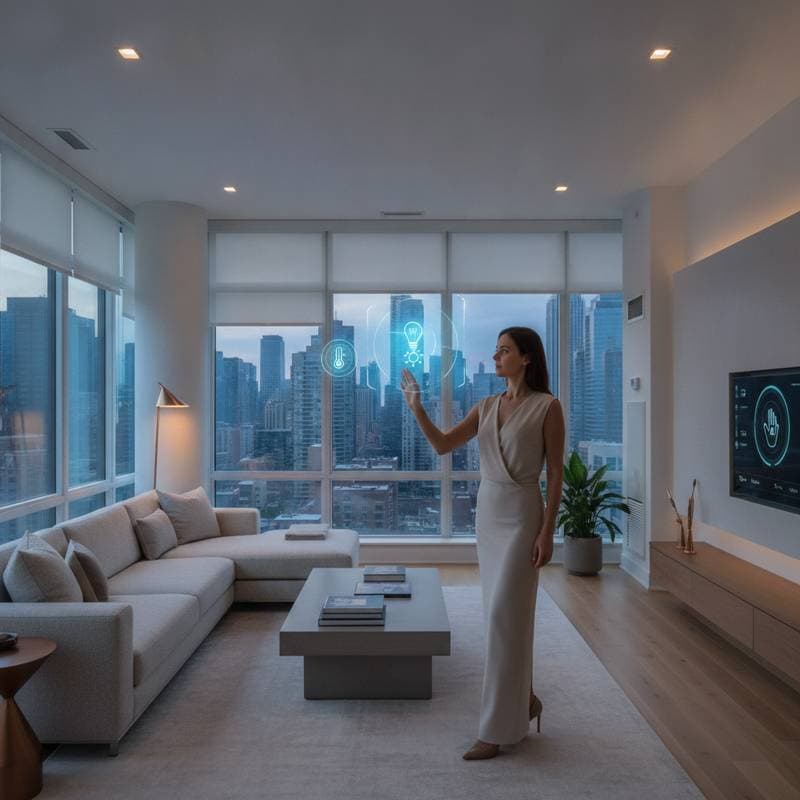
Picture entering your living room to find your calendar, security footage, or music playlist suspended in the air. No physical screens appear. No tangled wires intrude. Light forms these elements in open space, responding to a simple hand gesture. Holographic displays fulfill this vision within smart homes, and realization draws nearer than many anticipate.
Contemporary smart homes rely heavily on smartphones, tablets, or mounted touchscreens. These devices function adequately, yet they introduce clutter and visual disruption. Holographic displays alter this dynamic completely. They eliminate the necessity for tangible screens and introduce innovative methods to manage lighting, security, entertainment, and additional features.
The Seamless Integration of Holographic Displays in Smart Homes
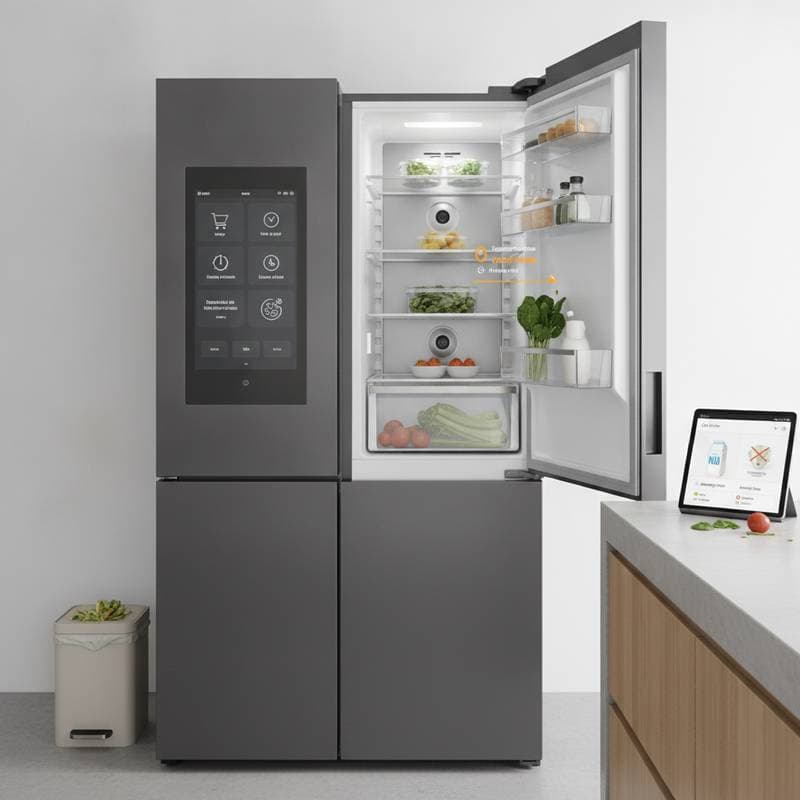
Their primary attraction stems from the capacity to merge technology fluidly into everyday routines. Rather than fixating on a luminous rectangle, individuals engage with projections that integrate vividly into the environment. A holographic image might materialize on the kitchen surface for recipe guidance, linger near the doorway to reveal security details, or hover beside the bedside table to present the next day's forecast.
For those who prioritize minimalist aesthetics, screen-free operation proves compelling. This approach extends beyond mere utility; it restores serene visuals to contemporary residences.
The Mechanics of Holographic Displays
Authentic holographic displays generate light patterns that yield three-dimensional effects viewable from various perspectives. Existing consumer versions combine micro-projectors, depth sensors, and eye-tracking mechanisms to simulate depth without special eyewear.
Certain sophisticated models employ light field technology, which mimics natural light reflection from objects. This renders items seemingly solid despite their aerial suspension. Such innovations now occupy compact forms suitable for embedding in smart hubs, mirrors, or overhead installations.
Installation Insight
A noteworthy detail involves holographic interfaces leveraging established smart lighting infrastructures. Select high-end projectors utilize the identical low-voltage cabling as LED track systems, permitting upgrades without structural alterations. Electricians experienced in automated lighting can typically complete the setup during one appointment.
Constructing a Screenless Smart Home
To incorporate holographic displays, commence modestly. Optimal performance occurs within a unified smart home platform like Alexa, Google Home, or Apple HomeKit. Follow these sequential steps for implementation.
1. Establish a Central Control Hub
A core processor must communicate with all connected devices. Select units compatible with open protocols such as Matter and Thread to ensure enduring interoperability.
- Affordable Selection: Amazon Echo Show 8 (approximately $150). Although not purely holographic, it integrates smoothly with projectors for combined configurations.
- Intermediate Option: Looking Glass Portrait (approximately $400). This device produces compact 3D visuals ideal for control panels or image presentations.
- High-End Recommendation: VividQ Lightfield Module (approximately $1,200), available via authorized integrators. It provides comprehensive 3D interfaces absent physical displays.
2. Incorporate Holographic Lighting Controls
Illumination serves as an ideal initial focus. Intelligent bulbs and panels already modulate intensity and hue. Introducing holographic projection allows adjustment via airborne icons instead of mobile applications.
Devices such as the Holoswitch Home Interface (about $850) cast virtual controls onto adjacent areas. Users can reduce brightness, activate presets, or access consumption metrics through suspended interfaces.
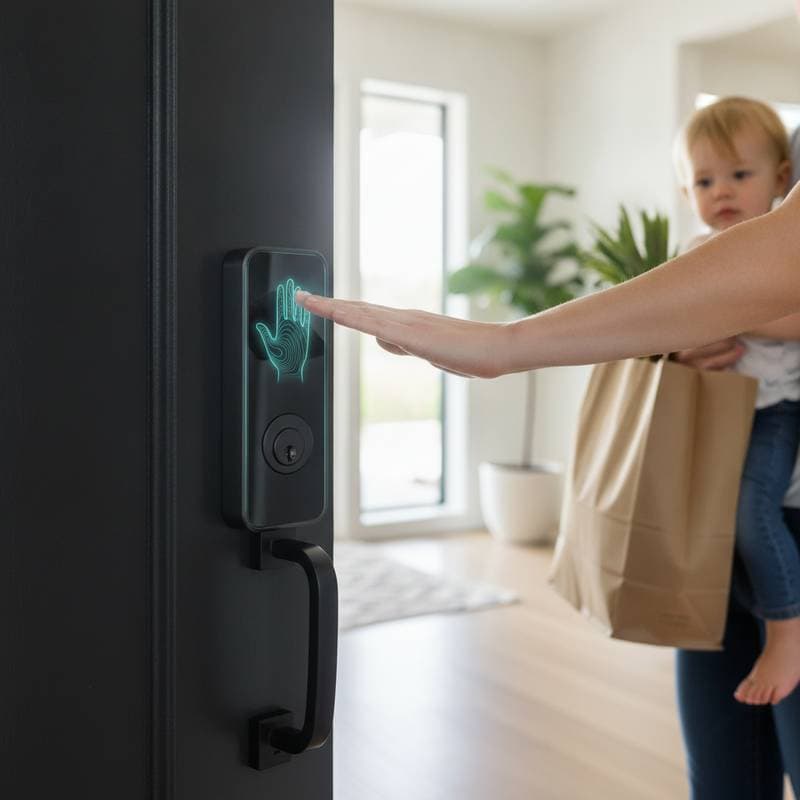
3. Enhance Security and Entry Management
Holographic displays elevate home security to spatial levels. Consider a semitransparent map of surveillance zones floating at the entrance, illustrating lock statuses and activity alerts.
- Affordable Selection: Pair a Blink Mini camera ($35) with a holographic-compatible hub for essential live feed projections.
- Intermediate Option: Eufy Security Station with AR Overlay ($600), compatible with projectors for multidimensional camera perspectives.
- High-End Recommendation: Arlo Smart Vision Pro ($1,000), featuring holographic support through advanced visualization components.
4. Introduce Entertainment and Immersive Features
Entertainment in smart settings gains depth with holographic elements. Audio visualizations, 3D program schedules, and interactive artwork can redefine room ambiance.
The Leia Lume Pad 2 (around $1,100) functions as both a tablet and holographic display, serving as an effective entry to blended reality media. Link it to the home network to project content into a multi-viewpoint holographic zone.
5. Unify Systems with Voice and Gesture Inputs
Current holographic setups accommodate voice directives and physical motions. Swipe to navigate ethereal menus, pinch to enlarge a culinary guide, or verbalize lighting adjustments as a projected indicator verifies the action.
Experts in setup advise deploying a dedicated Wi-Fi 6E router to manage the data demands, particularly with concurrent projections.
Essential Planning Factors
Excitement surrounds holographic displays, yet thoughtful preparation remains crucial.
- Financial Planning: Basic configurations range from $400 to $700, whereas comprehensive installations surpass $3,000.
- Environmental Lighting: Projections excel in spaces with adjustable illumination. Install controllable smart bulbs to optimize clarity.
- Safety Protocols: Securely affix projectors and ensure adequate airflow. Refrain from directing lasers at reflective or polished materials.
- Expert Assistance: Engage certified electricians or smart home professionals for overhead or wired setups. Utilize service platforms to connect with specialists versed in holographic installations.
The Broader Impact of This Innovation
Holographic displays transcend aesthetic enhancements. They signify an evolution in domestic human-technology interfaces. Screenless management liberates users from gadget reliance and promotes intuitive, environment-integrated living.
Prepare meals with airborne recipe overlays, oversee security sans application launches, or modulate lights via motion. The system aids unobtrusively without soliciting focus.
In household settings, these interfaces function as communal displays accessible to all, eliminating device-sharing conflicts. For accessibility needs, they enlarge elements for simplified observation, bypassing touchscreen dependencies.
Implementing Your Holographic Upgrade
For those intrigued yet reserved, initiate in a single area. Kitchens or offices provide optimal testing grounds for control features. Opt for gear aligned with prevalent smart protocols to facilitate future expansion.
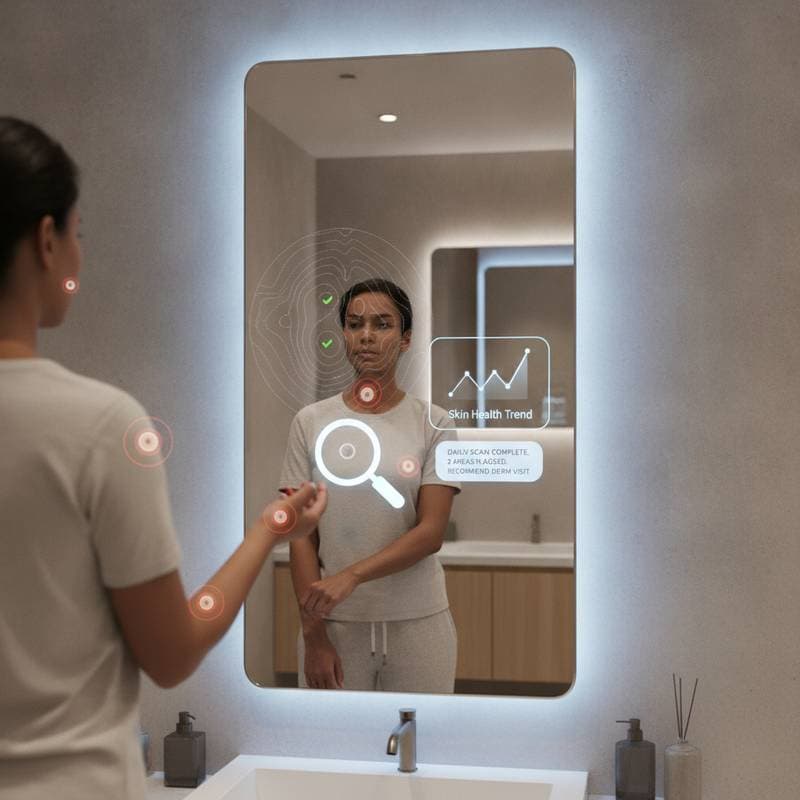
Market expansion anticipates sub-$300 modules and enhanced compatibility with leading assistants. Producers increasingly incorporate light-field elements into mirrors, climate controls, and diffuse lighting.
Prioritize adaptable hardware over brand-specific commitments. Update software regularly, sustain robust wireless signals, and periodically adjust sensors for accurate rendering.
Prepare to redefine your surroundings as an interactive canvas where illumination, movement, and cognition converge organically. Holographic displays transition from conceptual realms to practical smart home advancements. Executed effectively, your residence responds intuitively and animates in harmony with your presence.
Frequently Asked Questions
What is the difference between holographic displays and traditional projectors?
Holographic displays create true 3D images viewable without glasses, using light field technology for depth, whereas traditional projectors produce flat 2D images on surfaces.
Are holographic systems compatible with existing smart home devices?
Yes, most integrate with platforms like Alexa or Google Home via standards such as Matter, allowing control of lights, cameras, and more through projections.
How much does a basic holographic setup cost?
Entry-level options start at $400 for a hub and projector combo, scaling to $1,000+ for advanced features like full-room integration.
Do holograms work in bright rooms?
They perform best in moderate lighting; pair with smart dimmers to adjust ambient conditions for optimal visibility.
Is professional installation required?
Simple tabletop units can be DIY, but ceiling or wired systems benefit from electrician expertise to ensure safety and performance.