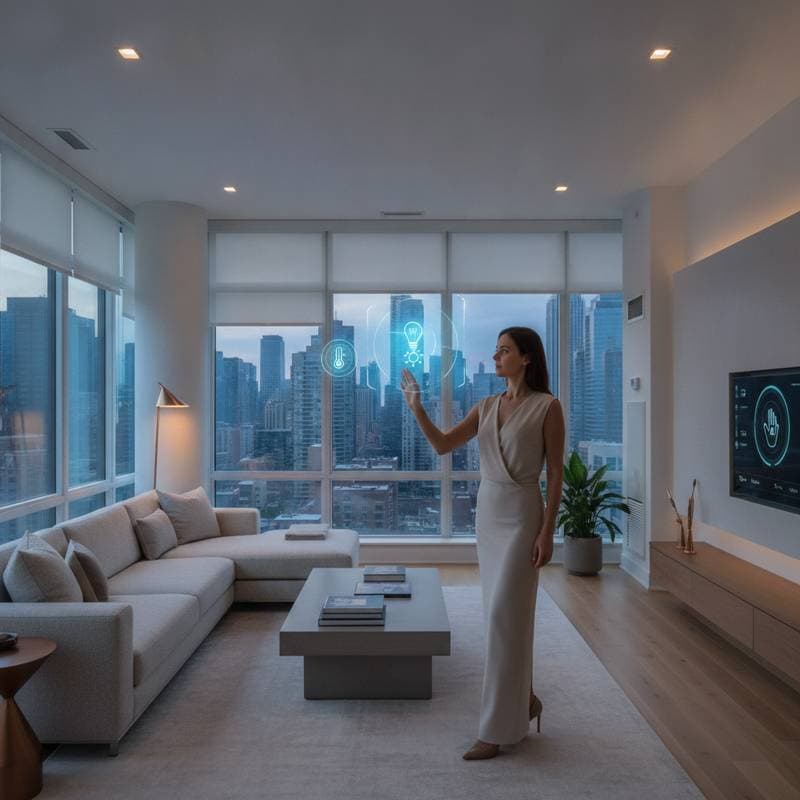
Gesture Control Transforms Smart Home Interactions
Smart homes have moved from novelty to necessity, yet many connected spaces still depend on the same basic routine. Find a phone, open an app, locate a device, and tap the right control. Voice commands reduce some of that friction, but they are not always practical. A sleeping child, a noisy kitchen, wet hands, or a private conversation can make spoken instructions inconvenient.
Gesture control offers another path. By reading hand movements, body position, or simple motions in the air, smart devices can respond without a screen, switch, or spoken phrase. This shift connects smart home design with spatial computing, a broader approach that lets technology understand people and objects within a physical environment.
The result could be a home that feels less like a collection of gadgets and more like a responsive space. Lights, displays, entertainment systems, security tools, and appliances can react to natural movements that already fit into daily routines.
What Gesture Control Means at Home
Gesture control uses cameras, motion sensors, radar, or other sensing tools to recognize deliberate movements. A wave might silence a notification. A pinch could adjust a virtual control. A raised hand might pause a video, while a directional motion could move through a menu.
Some systems rely on a dedicated camera, while others use sensors already built into smart displays, televisions, appliances, or security products. The technology does not need to identify every movement in a room. The most useful systems focus on a small set of clear gestures that are easy to remember and difficult to trigger by accident.
That simplicity matters. People do not want to learn a new language just to adjust a lamp. They want a few natural actions that work consistently and provide a clear response.
Why Touchless Interaction Matters
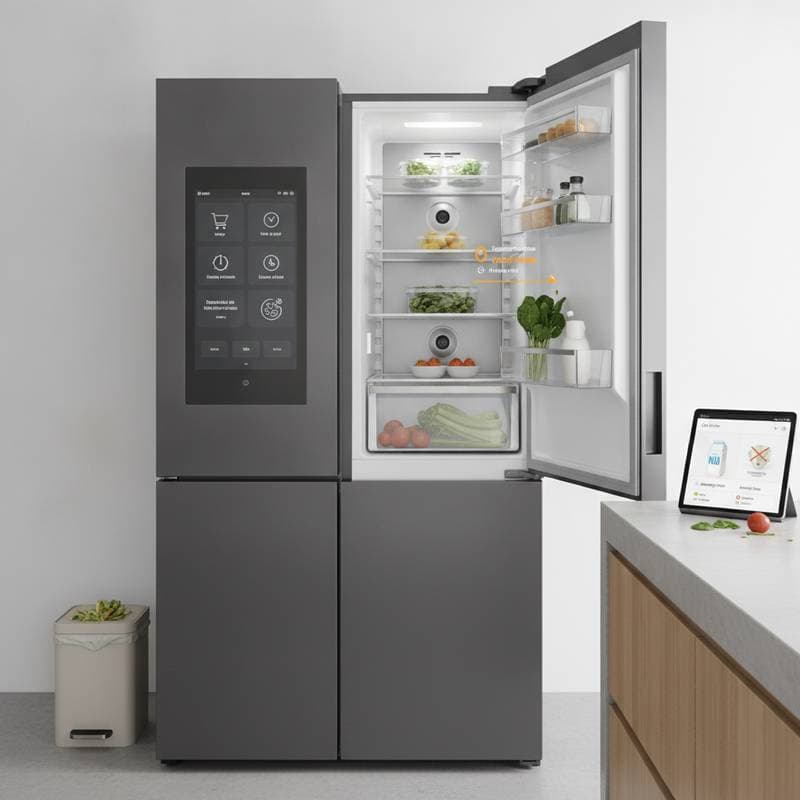
Touchless control becomes especially valuable when hands are occupied or dirty. Imagine preparing dinner while adjusting a recipe on a wall display. A quick hand motion could scroll to the next step without leaving fingerprints on the screen. In a laundry room, a gesture could start a cycle while carrying a basket.
The benefits extend beyond convenience. Touchless controls can support accessibility for people who have difficulty using small buttons or handling a phone. They can also help reduce shared contact on frequently used surfaces, such as kitchen displays, entry systems, and media controls.
A gesture can also feel more immediate than an app. The user is already facing the device and moving within its field of view. There is no need to remember which application controls the blinds or which menu contains the thermostat.
Three Ways Gesture Control Is Evolving
Simple Air Commands
The most approachable form of gesture control uses a handful of movements, such as waving, pointing, swiping, or raising a palm. These commands can manage common functions without requiring a camera to interpret complex body language.
A television might let viewers wave to pause a program or swipe to browse content. A smart display could respond to a hand raise when someone wants to dismiss a notification. A lighting system could use a small motion near a doorway to turn a fixture on or off.
This approach works well for everyday routines because it keeps the learning curve low. Users can see the result quickly, and manufacturers can design safeguards around a limited group of gestures.
Spatial Controls
Spatial computing takes gesture interaction further by placing digital controls within the surrounding environment. Instead of pressing a virtual button on a flat screen, a person might point toward a room, object, or floating control.
A homeowner could gesture toward a lamp to select it, then move a hand upward to increase brightness. A media display might present controls that appear anchored to the wall, table, or entertainment area. The system uses cameras and sensors to understand position, direction, and distance.
This style of interaction could make large rooms easier to manage. It may also help people control devices that are out of reach, such as ceiling lights, projectors, or speakers mounted high on a wall.
Context Aware Movement
The most advanced systems combine gestures with context. They consider who is moving, where that person is standing, what device they are facing, and what is happening in the room.
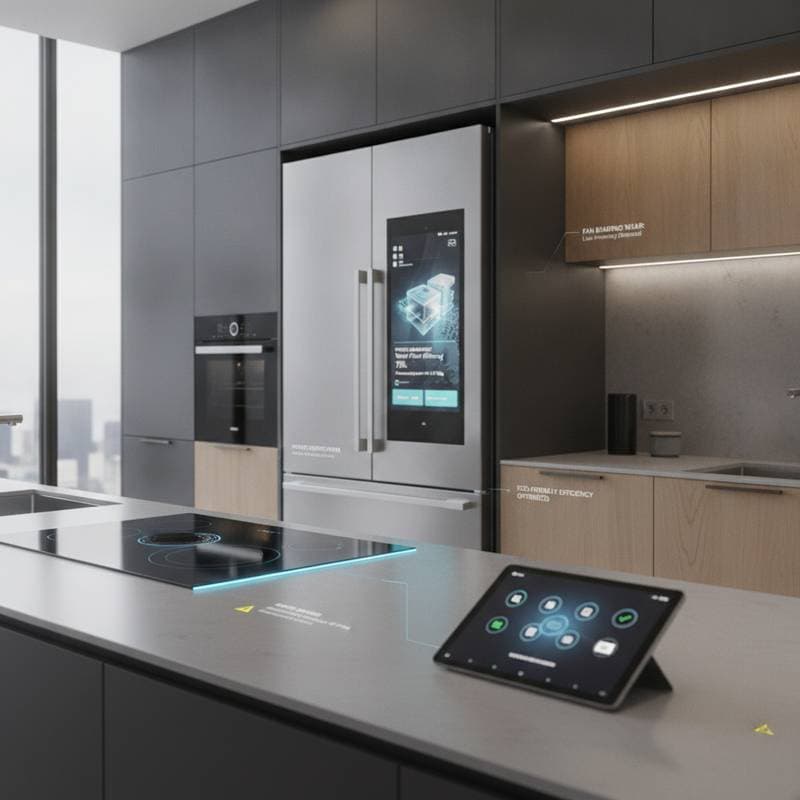
A wave near the kitchen display might scroll through a recipe, while the same movement near a television might pause a show. A hand motion beside the bed could lower the lights without affecting the rest of the house. The system may also ignore incidental movements when no interaction is intended.
Context makes gesture control feel more natural, but it requires careful design. Devices need to recognize intent without watching every movement too closely. Strong privacy settings, local processing, and clear indicators can help users understand when sensing is active.
A Better Fit for Busy Routines
Smart home control often breaks down at the exact moments when people need it most. A phone may be in another room. A voice assistant may misunderstand a command over running water. A physical switch may be behind furniture or difficult to reach from a seated position.
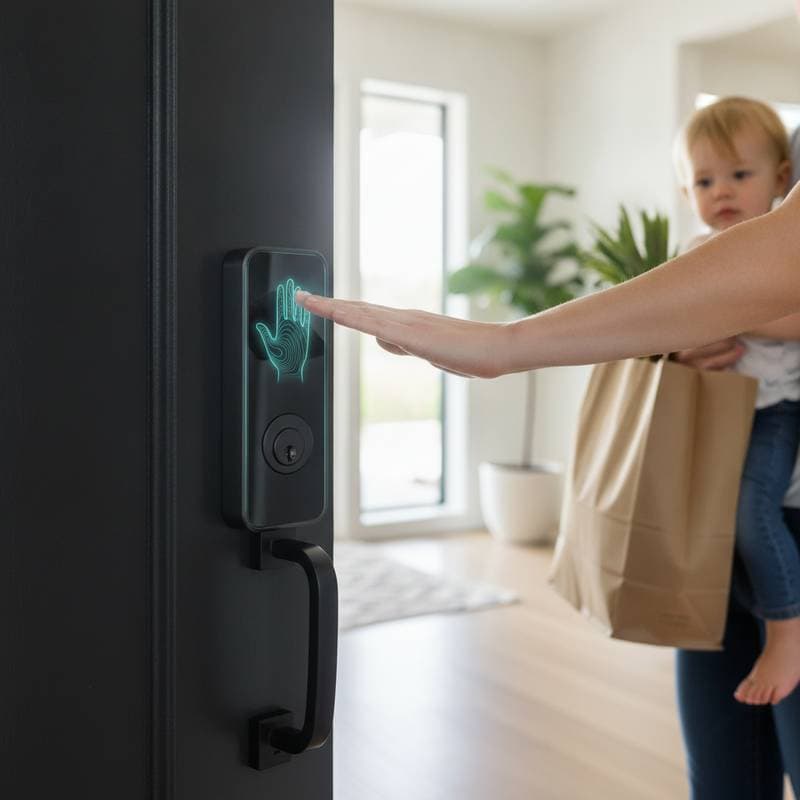
Gesture interaction fills these gaps. A parent holding a baby could dim a light with a hand movement. Someone entering with grocery bags could open a smart lock or activate entry lighting through a recognized motion. A person relaxing on a sofa could adjust the temperature without searching for a remote.
Small improvements can add up. When control feels immediate, people are more likely to use automation instead of leaving settings unchanged. That can support energy savings, comfort, and security throughout the home.
Better Accessibility and Independence
Touchless smart home systems may offer meaningful support for people with limited mobility, chronic pain, or difficulty using touchscreens. Large, deliberate gestures can be easier than pressing tiny icons. A person may adjust blinds, answer a door call, or turn on lights without reaching across a room.
Gesture control is not a complete accessibility solution. Some users may prefer voice, physical switches, eye tracking, or adaptive controls. The strongest products offer several ways to perform the same action, allowing each person to choose what feels reliable.
Designers also need to consider users with limited range of motion. A system should accept compact movements and allow sensitivity settings. Personal profiles could store preferred gestures, response distances, and confirmation methods.
The Role of Privacy and Trust
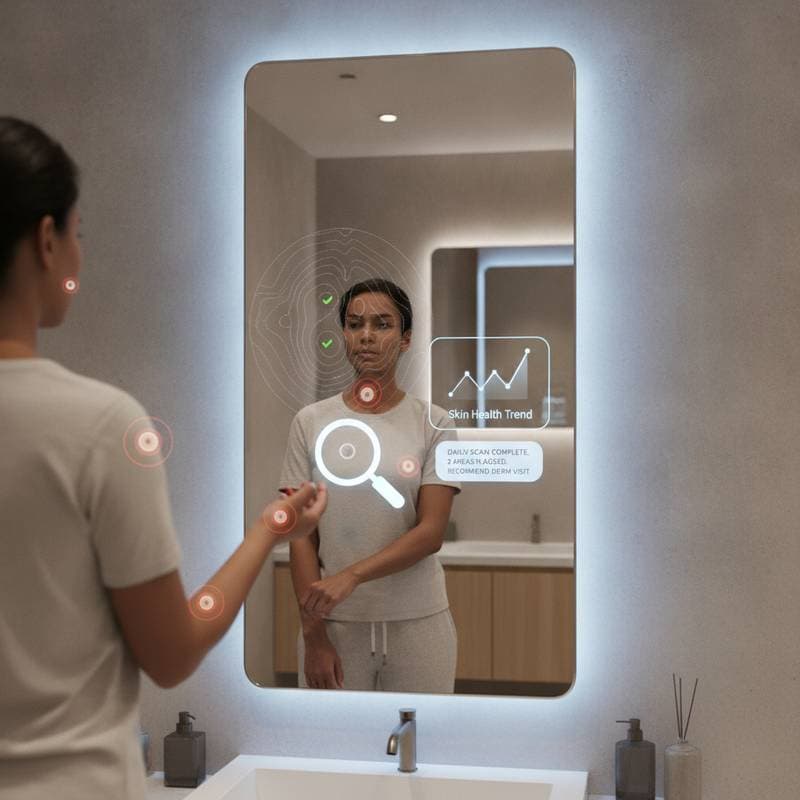
Cameras and sensors inside private spaces naturally raise questions. What is being detected? Is footage stored? Can a device distinguish between household members? Does the system send information outside the home?
Manufacturers can build trust through practical choices. Local processing can keep gesture data within the device. A physical shutter, sensor indicator, and clear privacy dashboard can show when sensing is active. Users should be able to disable specific rooms, limit recognition features, and delete stored interaction data.
Security matters as well. A casual wave should not unlock an exterior door unless it is paired with stronger verification. Gesture control works best for low risk actions, such as lighting, media, and climate adjustments. Sensitive tasks should require a passcode, biometric check, or confirmation through another device.
Why Standards Matter
A touchless smart home becomes frustrating when every product uses different gestures. One device may interpret a swipe from left to right, while another expects a circular motion. Users should not have to memorize separate movement vocabularies for each brand.
Common smart home standards can help devices work together, but compatibility must include interaction design as well as connectivity. A shared framework could define basic gestures, feedback signals, and safety expectations. That would give manufacturers room to innovate while preserving familiar controls for consumers.
Integration also reduces the need for duplicate sensors. A room sensor could support lighting, security, entertainment, and energy management through one coordinated system. This can lower clutter and make the home easier to maintain.
What Consumers Should Look For
Gesture control remains an emerging feature, so shoppers should focus on reliability rather than novelty. Before buying, consider these questions.
- Does it recognize intentional movement? Look for adjustable sensitivity and ways to prevent accidental commands.
- What happens when the system fails? A physical button, app, or voice option provides a useful backup.
- Where is data processed? Clear privacy controls and local operation can reduce concern.
- Does it work in different lighting conditions? A system that performs only in perfect light may disappoint.
- Can it connect with existing devices? Compatibility matters when building a unified smart home.
- Is the feedback obvious? A light, sound, or on screen response confirms that the command worked.
Trying a device in the space where it will be used can reveal more than a product description. Kitchens, hallways, bedrooms, and living areas have different lighting, movement patterns, and privacy needs.
Making Touchless Living Practical
The best way to adopt gesture control is to begin with one repeated frustration. Choose a kitchen display, bedside light, television, or entry feature that already causes inconvenience. Add a small set of gestures, then use them for several days before expanding the system.
Keep movements natural and distinct. A palm held toward a display can work well for pause, while a slow side motion can handle browsing. Avoid gestures that resemble ordinary activity, especially in busy areas.
A responsive home should also explain itself. Visual feedback, gentle sounds, and adjustable confirmation settings help users build confidence. When a command fails, the system should offer another option instead of leaving people guessing.
Moving Toward More Natural Homes
Gesture control brings smart home technology closer to the way people already interact with spaces. It reduces dependence on screens, supports accessibility, and adds flexibility when voice or touch is inconvenient. Spatial computing expands that idea by allowing devices to understand location, direction, and context.
The technology still needs refinement. Recognition must become more dependable, privacy protections must remain visible, and products must work together without forcing users to learn a new system for every room.
For consumers, the opportunity is clear. Start with a practical use case, choose products with strong privacy settings and backup controls, and favor ecosystems that support broad compatibility. As gesture recognition improves, the home may respond less like a remote collection of devices and more like an environment designed around human movement.