Retrofit Smart Blinds for Under $50 in 5 Minutes
Smart homes continue to move from luxury toward everyday lifestyle. Automation reaches more homeowners through simple upgrades that avoid costly renovations. Retrofitting existing blinds into smart shades stands out as one accessible option that requires minimal tools and time.
This guide explains how budget retrofit kits operate, what installation involves, and which products deliver reliable results.
The Rise of Affordable Retrofit Kits
Earlier smart blind systems required full window covering replacements that often exceeded several hundred dollars per window. Retrofit kits now attach directly to existing blinds or shades and link to Wi Fi or Bluetooth networks. These devices accommodate roller shades, Venetian blinds, and select vertical styles.
Options in the sub fifty dollar range come from both new companies and established smart home brands. Renters and first time users find these kits practical because they avoid permanent modifications. Typical kits contain a motor unit, adapters for cords or chains, a rechargeable battery or USB power source, and a companion mobile app.
Step by Step Installation Process
1. Unbox and Identify Components
Prepare the motor unit, cord adapters, mounting brackets or adhesive pads, and charging cable on a flat surface. Rechargeable battery models eliminate any need for electrical wiring.
2. Attach the Motor to the Cord or Chain
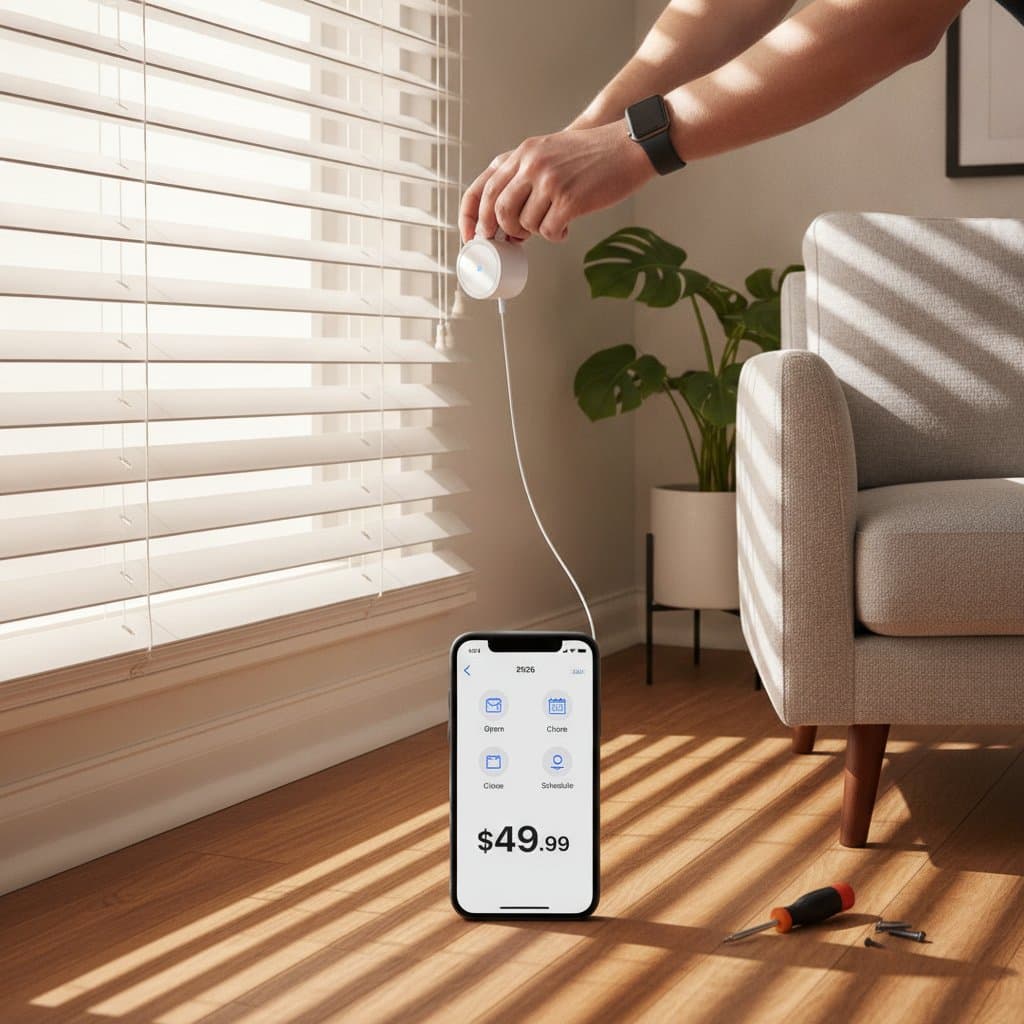
Select the adapter that matches the blind type. Snap the motor onto beaded chains or secure the spool to pull cords so the mechanism can raise and lower the blinds automatically.
3. Mount the Motor Unit
Fix the housing with screws or adhesive pads near the bottom of the cord or chain. Adhesive options suit renters who prefer damage free installation.
4. Connect to Power
Charge batteries fully before use or plug USB powered units into an accessible outlet. Optional solar panels can maintain continuous charge for some models.
5. Pair with the App
Install the companion app, enable Bluetooth or Wi Fi, and complete the pairing steps shown on screen. Once connected, users gain phone control along with scheduling, sunrise and sunset automation, and voice assistant integration.
Popular Budget Retrofit Kits
Several products remain priced between forty and fifty dollars while offering straightforward setup.
- SwitchBot Blind Tilt attaches to horizontal blind tilt wands, supports voice commands, and completes installation in roughly five minutes.
- Blind Engine Mini pulls roller shade cords with adhesive mounting and includes scheduling features.
- MySmartBlinds Retrofit Kit fits standard blinds and adds a solar charging panel to reduce battery maintenance.
- Generic Bluetooth Blind Motor units provide basic app control through direct Bluetooth connections at the lowest cost.
Common Setup Challenges and Solutions
Motor units that fail to respond usually need a battery check or recharge. Uneven blind movement improves after repositioning the motor to maintain proper cord tension. Connection drops resolve by moving the device closer to the router or re entering pairing mode. Bluetooth range extends through an optional hub or Wi Fi bridge.
Benefits Beyond Convenience
Automated blinds improve daily comfort and support modest energy savings by managing natural light. The upgrade requires no replacement of existing window treatments. Homeowners gain modern control through a low cost entry point that fits varied living situations.
Begin with One Window
Select a single window to test the process and observe immediate changes in light management. Successful results often encourage additional installations across other rooms. Affordable automation now fits within most household budgets and schedules.