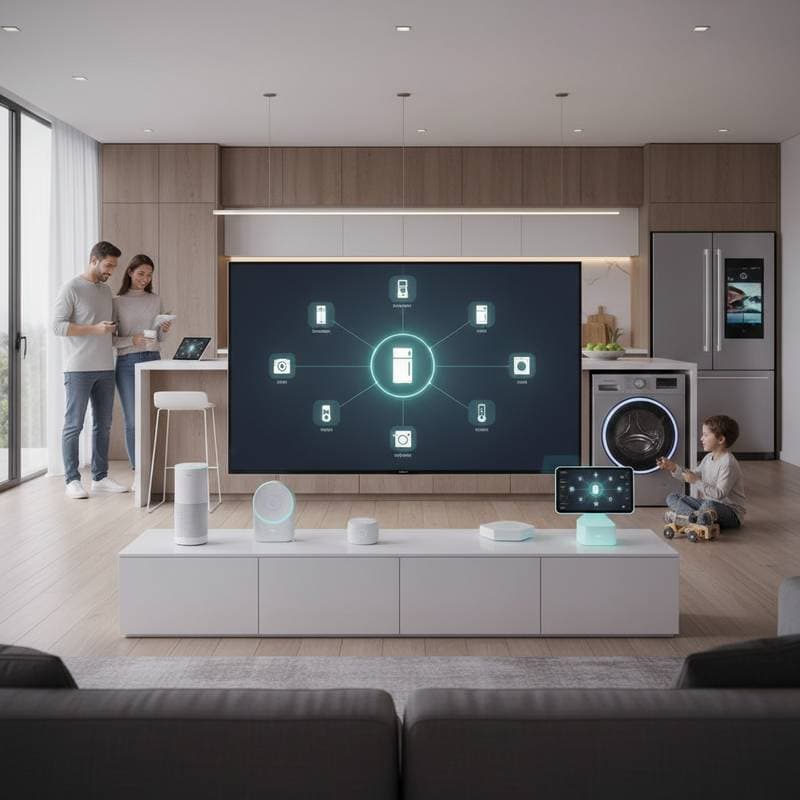
The Rise of Hub-Free Smart Appliances for Seamless Home Integration
Picture entering your kitchen each morning to find the coffee maker brewing your preferred blend, the refrigerator displaying tailored breakfast suggestions from its inventory, and the dishwasher initiating its cycle as you depart for the day. These actions occur without toggling apps or relying on a countertop hub. Hub-free smart appliances deliver this level of coordination through direct connectivity.
Smart home users have long faced frustrations from multiple hubs, bridges, and brand-specific apps that demand constant management. Each manufacturer often required its own gateway, resulting in a tangle of logins and devices. The latest appliances address this by incorporating Wi-Fi, Bluetooth, and standardized protocols for straightforward, unified operation.
Challenges of Traditional Hub Systems
Initial smart home setups depended on hubs to link devices to the internet. Connecting a smart oven, bulbs, or lock involved installing a dedicated base station for each brand's ecosystem. These units acted as intermediaries but frequently introduced unnecessary hurdles.
Key drawbacks included setup difficulties, where users connected the hub to the router, updated software, and paired devices one by one. Compatibility limitations confined some hubs to protocols like Zigbee, while others supported Z-Wave, restricting choices to specific vendors. Additional expenses and physical clutter near the router further deterred adoption, prompting the industry to pursue more streamlined solutions.
Transition to Direct Connectivity in Appliances
Appliance makers now integrate Wi-Fi and Bluetooth modules into devices, bypassing external hubs entirely. This enables refrigerators, ovens, washers, and air purifiers to join home networks and interact with smartphones or voice assistants independently.
Leading brands such as LG, Samsung, and Bosch embed these features, ensuring compatibility with Amazon Alexa, Google Home, and Apple Home. Users simply power on the appliance, join it to Wi-Fi, and access controls via a single interface. This approach eliminates cables and intermediaries for cleaner, more intuitive use.
Examples of Hub-Free Devices in Action
-
COSORI Smart Air Fryer Lite ($100 range)
This entry-level fryer links directly to Wi-Fi and works with Alexa or Google Assistant. Users preheat, monitor, or modify settings using voice commands or the app, ideal for those new to smart tech. -
LG ThinQ Front Load Washer ($1,000 range)
With built-in Wi-Fi, this model allows scheduling washes, tracking progress, and receiving alerts via the ThinQ app. It pairs natively with Google Home and Alexa, enabling commands like starting a cycle remotely. -
Samsung Bespoke Refrigerator with Family Hub ($3,500 range)
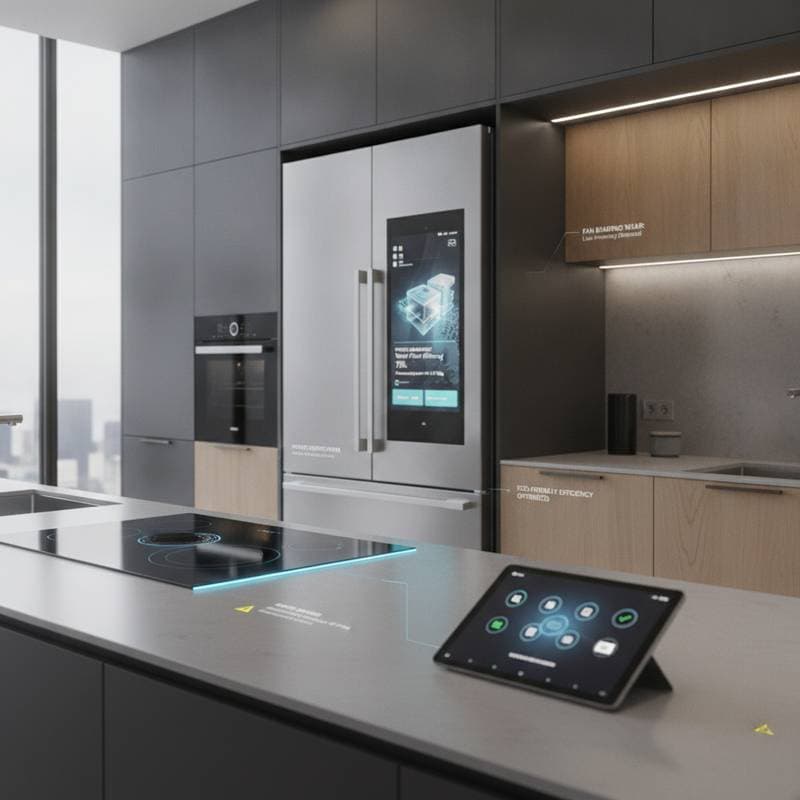
Despite its name, this unit operates without an external hub. It includes a touchscreen for inventory checks via internal cameras and connects directly to Wi-Fi, integrating with SmartThings, Alexa, and Google Home for kitchen oversight.
These examples highlight how cloud or local Wi-Fi protocols manage operations without added hardware, fostering reliable performance across budgets.
Key Standards Enabling Interoperability
Universal protocols form the foundation of hub-free success. Matter, backed by Apple, Google, Amazon, and other leaders, permits cross-brand device communication without proprietary barriers. Thread enhances this as a low-power mesh network, providing stable local connections independent of constant cloud reliance.
Together, they allow an LG washer to sync with Philips Hue lights or an Ecobee thermostat seamlessly. This setup boosts flexibility, minimizes downtime, and strengthens security by simplifying the network architecture.
Ensuring Compatibility in Your Setup
Evaluate your existing smart home when selecting devices. Wi-Fi appliances typically align with Alexa and Google Home, with HomeKit support expanding through Matter. Brand apps may handle specialized functions like diagnostics or recipes.
Assess offline capabilities, as some devices use Bluetooth or Thread for local operation, while others depend on internet access. This consideration prevents disruptions during outages.
Costs and Setup Essentials
Hub-free options span budgets, from under $50 for smart plugs to $4,000 for premium appliances with advanced features. Setup involves downloading the app, connecting to Wi-Fi, and linking to a voice assistant—often completed in minutes.
For multiple devices, verify router capacity to support concurrent connections. Mesh networks prove effective in larger spaces, distributing signals evenly to maintain performance.
Optimizing Network Performance
Wi-Fi appliances draw on your home network, potentially taxing older routers. Symptoms like signal drops signal the need for static IP assignments or a segregated IoT network. This separation safeguards primary devices while enhancing smart system stability and protection.
Prioritizing Security and Reliability
Internet-connected appliances demand vigilant security practices. Update default passwords upon activation, activate firmware auto-updates, and employ WPA3 encryption on your Wi-Fi. Limit remote access to essential devices only.
For installations involving wiring or plumbing, engage certified professionals to uphold safety standards and preserve warranties. This applies particularly to ovens, dishwashers, and heating systems.
Everyday Advantages of Hub-Free Integration
Beyond ease of use, these appliances optimize routines. An oven might preheat based on a phone recipe, or a dishwasher could time cycles with solar energy availability. Adaptive algorithms learn user patterns, conserving resources like water and electricity while personalizing operations.
Future Directions in Smart Connectivity
Matter's growth promises broader device harmony, enabling refrigerators to propose meals, ovens to auto-adjust temperatures, and lights to respond to timers. Local voice processing is also advancing, handling commands on-device to cut delays and enhance privacy.
These developments make hub-free systems more robust, appealing to those valuing data control alongside convenience.
Steps to Create a Hub-Free Kitchen
Begin in the kitchen for tangible benefits. Select a primary voice assistant like Alexa, Google Home, or Apple Home. Introduce essentials such as a smart air fryer or coffee maker.
Build automations, like lights activating with the coffee maker. Gradually incorporate Matter-compatible items to future-proof your setup.
Budgeting for Upgrades
Categorize purchases for clarity:
- Basic ($500 max): Air fryer, kettle, and plugs.
- Intermediate ($1,000–$2,500): Washer, dryer, or oven with Wi-Fi.
- Advanced ($3,000+): Touchscreen appliances with sensors and multi-platform support.
Many brands offer warranties and diagnostic services to preempt issues, extending device longevity.
Seeking Professional Assistance
Complex installations benefit from experts. Smart home platforms connect users with qualified installers skilled in electrical and connectivity needs.
Strategies for Sustained Performance
Organize devices by room for streamlined control. Implement routines over individual commands to automate tasks seamlessly. Regularly review privacy settings amid data uploads for analytics.
Maintain firmware through scheduled checks, as updates address vulnerabilities and add features.
Addressing Typical Issues
If a device fails to register in the app, reboot the appliance and router, then reinput Wi-Fi details. For unresponsive voice controls, verify account linkages. Slow responses may require relocating closer to the router or adding mesh extenders.
Automation inconsistencies often stem from mixed cloud and local triggers; refine routines to align them.
Embracing Cohesive Home Automation
Hub-free smart appliances transform homes into intuitive environments that prioritize user needs. They streamline daily tasks, from meal prep to laundry, fostering efficiency and adaptability.
Identify high-impact devices first, prioritize direct-connect models, and leverage standards like Matter for enduring compatibility. This approach yields a harmonious space that evolves with your lifestyle.
FAQs
What defines hub-free smart appliances?
Devices that link via Wi-Fi or Bluetooth without external bridges or stations.
Are they more reliable than hub-dependent systems?
Yes, by eliminating failure points, modern Wi-Fi and Matter devices often perform more consistently.
Can brands mix in a hub-free setup?
Absolutely, particularly with Matter or shared assistants like Alexa.
Do they support offline use?
Certain models do via Bluetooth or Thread; review specs for details.
Is setup challenging?
Typically not—most are user-friendly, though built-ins warrant pros.
How to handle weak Wi-Fi?
Deploy mesh systems for uniform coverage.
Will they integrate with future devices?
Matter-supported ecosystems ensure broad compatibility.
Do they enhance security?
Potentially, with fewer layers; secure with strong passwords and updates.