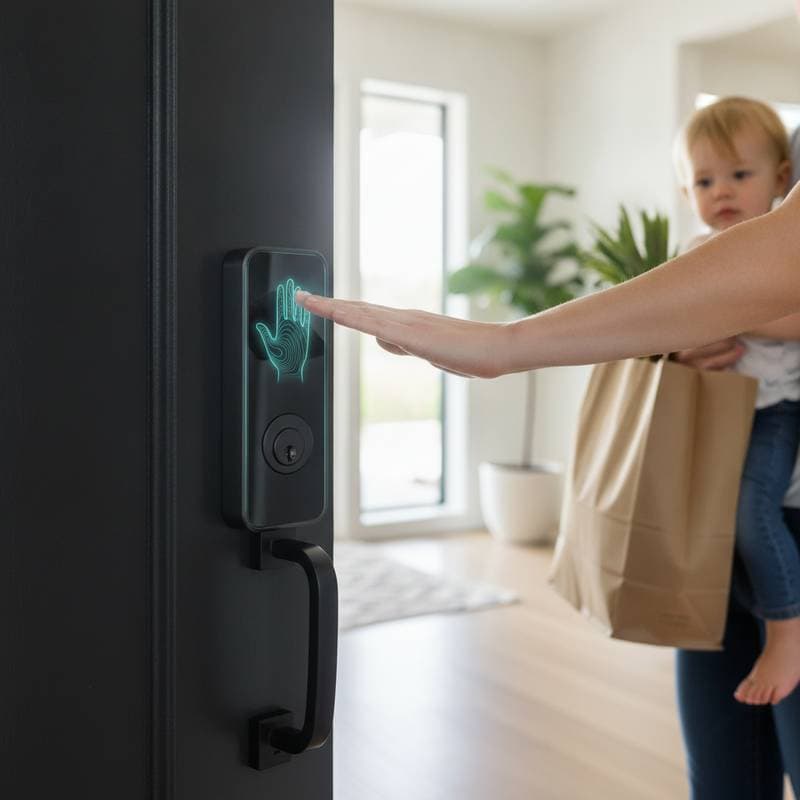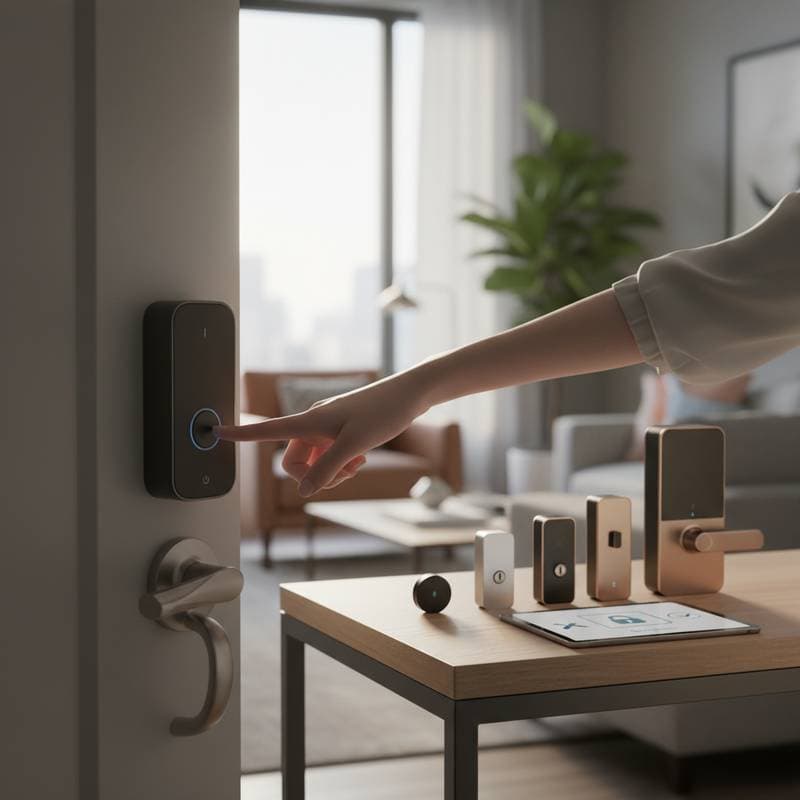
Imagine coming home to freedom and security
So you have a rental that finally feels like yours. You love the location, the light, the way your furniture fits perfectly. Yet every time you fumble for keys or worry about leaving a spare under the mat, you are reminded that you cannot change the locks. Many renters assume smart locks are off limits, but that is no longer true.
New rental-friendly smart locks let you upgrade your security without drilling holes or needing landlord approval. They attach in minutes, remove cleanly, and connect right to your phone. The best part is that they move with you when your lease ends.
The problem renters face
Traditional locks are landlord property. That means you cannot swap them for a smart system without permission. Even if your landlord agrees, you would need to hire a locksmith and pay for rekeying later. Smart locks designed for renters solve that problem by working with your existing hardware instead of replacing it.
They give you digital keys, activity logs, and guest access control without altering the door. These models attach to the inside thumb turn of your deadbolt, leaving the exterior untouched.
How rental smart locks work
Rental smart locks use your existing key cylinder. You keep your old key for emergencies, and the smart device turns the lock mechanically from the inside. Power comes from replaceable batteries, and most connect over Bluetooth or Wi-Fi for remote access.
Installation usually takes less than ten minutes. All you need is a screwdriver and a smartphone. Once paired, you lock or unlock through an app, set schedules, and get notifications when someone enters.
Popular options right now
-
Budget option: Wyze Lock Bolt (around 80 dollars)
A simple Bluetooth lock with fingerprint access. Works great for renters who want quick entry and no Wi-Fi setup. -
Mid-range option: August Smart Lock (4th Gen) (around 180 dollars)
Attaches inside your existing deadbolt. Works with Google Home, Alexa, and Apple HomeKit. It is one of the easiest non-permanent installations available. -
Premium option: Level Lock+ (around 330 dollars)
Uses Apple Home Key for tap-to-unlock convenience. It installs invisibly inside the deadbolt so your landlord will never notice a difference.
Insider tip
If you ever move, use painter’s tape during installation to mark your original deadbolt alignment. That small detail saves time when removing the lock later. Another pro trick is to keep a record of your door’s keyway type. Some smart locks fit better on certain brands of deadbolts, and knowing yours avoids frustration.
Practical considerations before buying
Rental smart locks are easy to install, but you still need to think about a few details:
- Power and maintenance: Replace batteries every few months. Some models alert you when power drops below twenty percent.
- Connectivity: Bluetooth-only models work within range of your phone. Wi-Fi bridges cost around 30 to 50 dollars and allow remote access.
- Security: Always enable two-factor authentication in the app. It prevents unauthorized access even if your login details leak.
- Privacy: Choose brands that store data locally or use encrypted cloud servers.
If your lease includes a clause about altering fixtures, choose a model that only replaces the interior thumb turn. Since the exterior remains unchanged, landlords rarely object.
Making it happen
A smart lock for renters is more than a gadget upgrade. It is a lifestyle improvement that brings peace of mind and convenience. You never have to hide keys or worry if your roommate remembered to lock up.
Whether you are dreaming of smarter living or preparing for your next apartment, these locks travel with you. Post your project on a trusted marketplace like HomeAdvisor or Thumbtack to find a professional who can verify compatibility if you are unsure.
Get ready to transform your rental into a secure, connected space without risking your deposit or needing permission. A little technology goes a long way toward making your place feel truly yours.