Bring Smart Home Features to Old Homes Without Rewiring
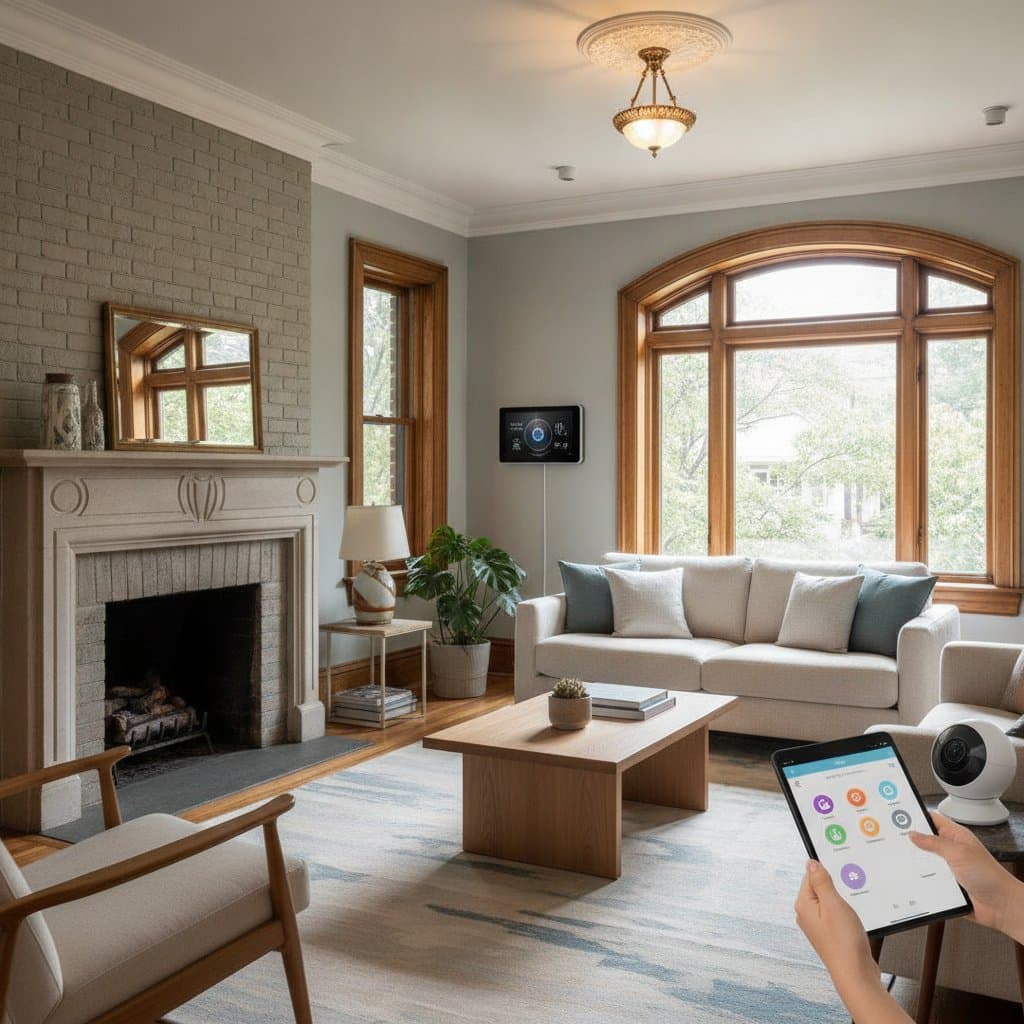
Imagine living in a charming old home with real wood floors, plaster walls, and character in every corner. You love its soul, yet videos about smart lighting or voice-controlled thermostats raise questions about feasibility. The truth is that smart home convenience is possible without tearing down walls or running new wires. The secret lies in choosing the right wireless technology and making strategic upgrades that respect the original design.
Older homes present common challenges for homeowners. Properties built before structured wiring became standard often lack the infrastructure for traditional smart home setups. The idea of rewiring can sound overwhelming and expensive. With today's wireless smart devices, any home can become a connected, energy-efficient space without disrupting its character.
Understanding the Opportunity
Older homes have a unique charm, but they often lack the wiring infrastructure needed for traditional smart home setups. Many smart switches and thermostats require a neutral wire, which older electrical systems might not have. Instead of hiring an electrician to run new wires through plaster or brick, wireless or battery-powered devices that operate through Wi-Fi, Zigbee, or Thread networks provide an alternative.
The appeal lies in flexibility. Wireless smart products can be installed with minimal tools, often in minutes, and can later be moved or upgraded as technology evolves. This approach allows modernization at a comfortable pace.
The Big Picture Solution
Bringing smart functionality to an older home involves layering wireless devices intelligently. Begin with a strong Wi-Fi foundation. Then add smart lighting, climate control, and security components that communicate reliably without physical rewiring. The approach should remain modular and scalable to allow expansion as comfort with the ecosystem grows.
Most successful retrofits follow this simple order:
- Strengthen the wireless foundation.
- Add lighting controls and sensors.
- Integrate climate and comfort systems.
- Enhance security and access.
- Connect everything through a central hub or voice assistant.
Each layer adds convenience and efficiency without disturbing the original structure.
Step 1: Strengthen Your Wireless Network
Wireless technology forms the backbone of every smart home, especially when rewiring is not an option. Start by evaluating Wi-Fi coverage. Thick plaster walls or metal lath can weaken signals, so a mesh Wi-Fi system is often the best solution.
Recommended options include the following:
- Budget: TP-Link Deco S4 Mesh System covers up to 5,000 square feet reliably.
- Mid-range: Eero 6+ Mesh Wi-Fi System adds Wi-Fi 6 performance for faster response times.
- Premium: Netgear Orbi RBKE963 delivers top-tier coverage for large or multi-story homes.
Place one mesh node in the attic or basement to create vertical coverage that supports smart devices on multiple floors. This step often solves dead spots without additional wiring.
Step 2: Smart Lighting Without Neutral Wires
Lighting ranks among the easiest and most rewarding upgrades. Many older homes have two-wire systems that lack the neutral line required by many smart switches. Devices designed for these setups solve the problem.
Top picks for easy installation include the following:
- Budget: Lutron Caseta Wireless Smart Switch uses proprietary Clear Connect RF technology that does not need a neutral wire.
- Mid-range: Philips Hue Smart Bulbs screw into standard sockets and connect via Zigbee or Bluetooth.
- Premium: Nanoleaf Essentials Thread Bulbs offer reliable low-latency performance and color control when paired with a Thread-compatible hub.
Smart bulbs suit renters or those who prefer non-invasive upgrades. For physical switches, Lutron Caseta integrates with Alexa, Google Assistant, and Apple HomeKit. Add a Lutron Caseta Pico remote to create a wireless three-way switch. Mount it anywhere without running new wires.
Step 3: Modern Climate Control Without Replacing HVAC Wiring
Heating and cooling automation can seem complex, yet even older systems can become smart. Choose thermostats that work with limited wiring or use external power adapters.
Options to consider include the following:
- Budget: Wyze Thermostat includes an adapter for systems lacking a C-wire.
- Mid-range: Ecobee Enhanced supports most HVAC types and uses remote sensors for better temperature balance.
- Premium: Nest Learning Thermostat adapts to habits over time and can operate with a C-wire adapter or internal battery.
For radiator heat or a mini-split system, smart radiator valves or infrared controllers such as Sensibo Sky allow room-by-room control through Wi-Fi. Always turn off power at the breaker before installation. Consult a licensed HVAC technician when wiring compatibility remains uncertain.
Step 4: Wireless Security and Access Controls
Smart security has advanced with wireless cameras, locks, and doorbells that require no drilling or rewiring. Battery-powered options last months on a single charge and connect to Wi-Fi or a hub.
Reliable choices include the following:
- Budget: Blink Outdoor 4 Camera offers weatherproof, motion-activated recording with extended battery life.
- Mid-range: Arlo Pro 5S provides high resolution, color night vision, and secure local storage.
- Premium: Google Nest Doorbell Battery integrates with existing chimes and provides intelligent motion alerts.
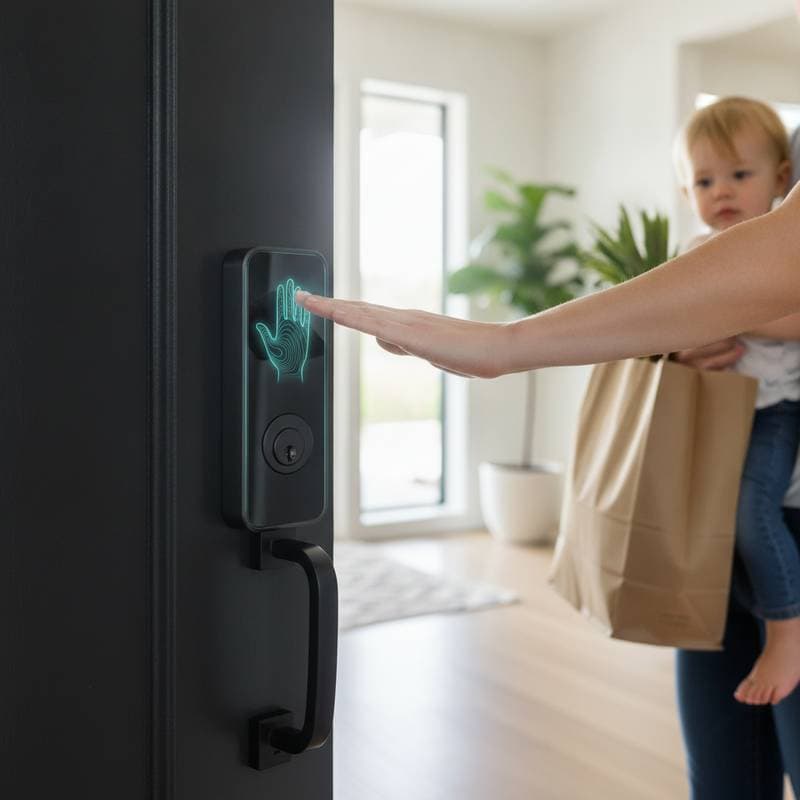
For door access, the August Wi-Fi Smart Lock attaches to an existing deadbolt. It preserves original keys while adding app and voice control. The Yale Assure Lock 2 offers another retrofit-friendly model that fits most standard doors. Wireless sensors on windows and doors connect through hubs such as SmartThings or Home Assistant.
Step 5: Centralized Control Through Smart Hubs
A central hub creates harmony across brands even when devices use different protocols such as Zigbee or Thread.
Great hub options include the following:
- Budget: Amazon Echo doubles as a voice assistant and basic hub for compatible devices.
- Mid-range: Aeotec SmartThings Hub supports Zigbee, Z-Wave, and Wi-Fi devices from many brands.
- Premium: Apple HomePod Mini uses Thread for fast communication with HomeKit devices.
The Matter standard simplifies compatibility across ecosystems. Check for Matter or Thread support before purchase to maintain future compatibility.
Budget and Timeline
A basic retrofit with lighting, a thermostat, and one or two cameras can start around several hundred dollars. A mid-range system with multiple rooms of lighting, sensors, and smart locks might run between one thousand and fifteen hundred dollars. Most wireless smart devices install in less than an hour each. Lighting and thermostats often become weekend projects.
Safety and Long-Term Care
Permits are rarely required because walls remain untouched. Follow basic safety practices and turn off breakers before touching wiring. Hire a professional electrician for any unclear electrical connections. Keep firmware updated to ensure security and reliability. Replace device batteries annually or as prompted by the app. Expand the setup over time by adding sensors, voice controls, or energy management systems.
Select an Ecosystem and Begin
Pick one ecosystem early, such as Alexa, Google Home, or Apple HomeKit. This choice ensures devices work smoothly together during expansion. Platforms like SmartThings or Home Assistant also provide extra control and customization. Start with lighting for instant satisfaction that requires no tools. Move next to climate control, security, and entertainment at a chosen pace.
Find Professional Help When Needed
For large projects or complex integrations, hire a certified smart home installer. Marketplaces offer free matching services to connect with vetted professionals. Post the project on established platforms to receive quick estimates from installers experienced with retrofits.