Gesture Control Lets You Run Your Smart Home in Silence
Gesture control represents a significant advancement in smart home technology. This method allows users to operate devices without voice commands or physical touch, relying instead on simple hand movements detected by sensors. Homeowners gain a layer of convenience that enhances privacy and reduces disruptions in quiet environments.
The integration of gesture control into daily routines transforms ordinary spaces into responsive habitats. Lights dim with a wave, music pauses with a swipe, and security systems activate through precise motions. Such interactions foster a more intuitive connection between people and their homes.
Understanding Gesture Control Technology
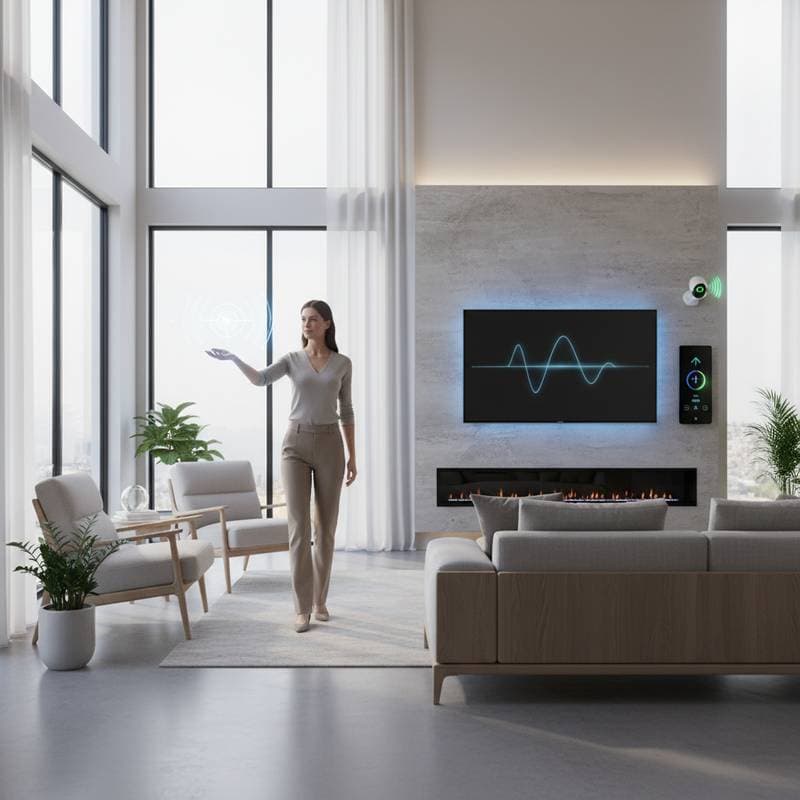
Gesture control employs advanced sensors to interpret human movements. Radar-based systems detect motion through walls or obstacles, while infrared sensors capture heat signatures for accurate readings. Camera-equipped devices use computer vision to recognize specific gestures, ensuring reliable performance in various lighting conditions.
These technologies process data in real time, translating movements into commands. For instance, a raised hand might signal to increase volume, while a circular motion adjusts thermostat settings. Developers prioritize low latency to make responses feel instantaneous.
Privacy features distinguish modern gesture control from earlier systems. Many devices process data locally on the device itself, minimizing cloud transmission risks. Users can disable cameras or set boundaries to limit detection zones, addressing common concerns about surveillance.
Key Benefits for Smart Home Users
One primary advantage lies in silent operation. Families with young children or light sleepers appreciate the absence of voice-activated noise during nighttime routines. Gestures enable discreet adjustments without waking others.
Hands-free control proves invaluable in multitasking scenarios. Cooks manage kitchen appliances while preparing meals, and professionals handle office setups without interrupting workflows. This freedom extends to accessibility, aiding individuals with mobility limitations.
Compatibility with major platforms broadens appeal. Systems integrate seamlessly with Amazon Alexa, Google Assistant, and Apple HomeKit. Users access gesture features through existing hubs, avoiding the need for complete overhauls.
Affordability has improved with widespread adoption. Entry-level kits start at reasonable prices, and many smart devices now include built-in gesture support. Long-term savings arise from energy-efficient automation triggered by natural movements.
Popular Applications in Everyday Living
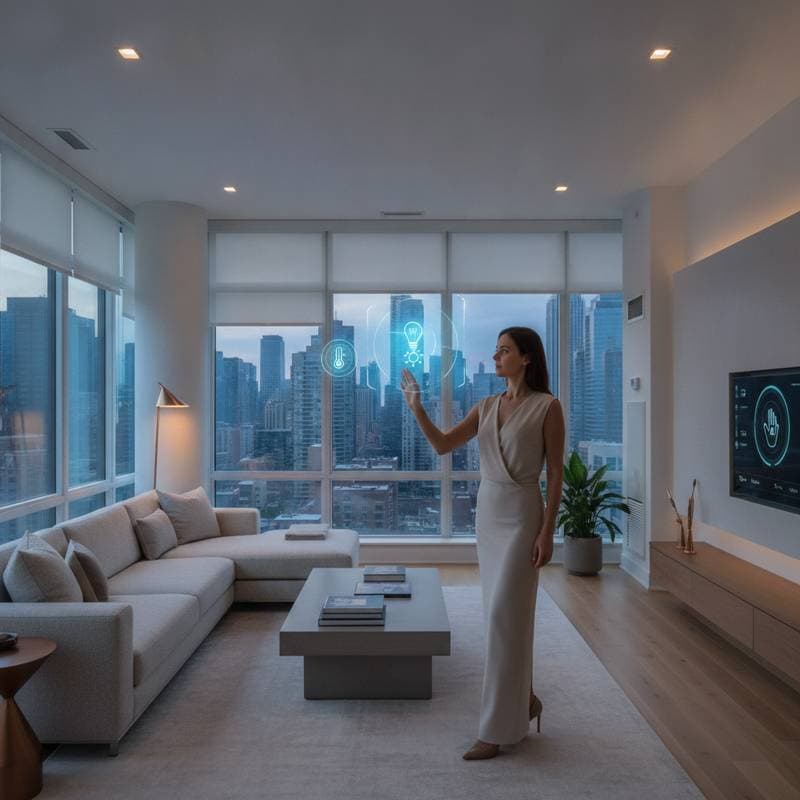
Lighting control stands out as a common use case. A simple wave turns on overhead lights upon entering a room, or a fist clench dims them for movie nights. Such automation creates ambient atmospheres tailored to activities.
Entertainment systems respond dynamically to gestures. Swiping left skips tracks on a streaming service, while pointing selects menu options on a smart TV. This interaction mimics natural behaviors, reducing the learning curve.
Climate management benefits from precise inputs. Raising an open palm increases fan speed, and a downward press lowers blinds for shade. These commands maintain comfort without fumbling for remotes or apps.
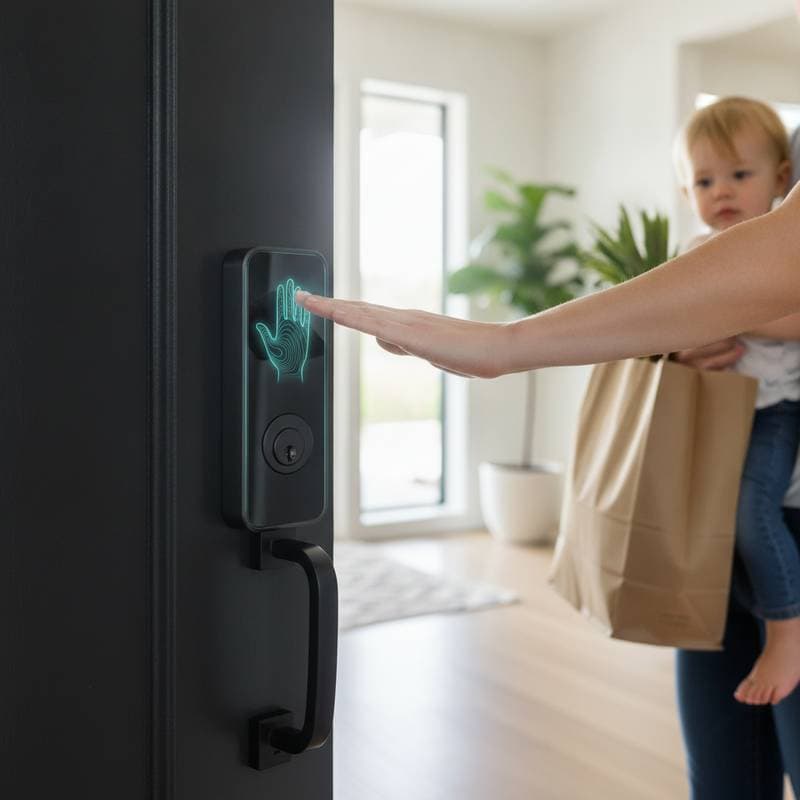
Security enhancements include gesture-based alerts. A specific wave arms the system before leaving, and predefined motions summon emergency responses. Integration with doorbells or cameras adds layers of protection.
Setting Up Gesture Control in Your Home
Begin by assessing compatible devices. Review specifications for models supporting radar, infrared, or camera-based detection. Popular options include smart bulbs, hubs, and dedicated sensors from brands like Philips Hue or Logitech.
- Select a central hub that supports gesture protocols, such as Zigbee or Z-Wave.
- Install sensors in key areas, ensuring clear lines of sight for detection.
- Pair devices via the manufacturer's app, following on-screen prompts to calibrate sensitivity.
- Customize gestures through intuitive interfaces, assigning actions to movements like swipes or waves.
- Test setups in different scenarios to refine accuracy and range.
Professional installation may suit complex homes, but most systems offer plug-and-play simplicity. Firmware updates often introduce new gesture options, keeping technology current.
Overcoming Common Challenges
Interference from pets or unintended motions can trigger false commands. Solutions involve adjustable sensitivity levels and exclusion zones defined in apps. Training periods help systems learn user-specific patterns.
Lighting conditions affect infrared and camera performance. Position sensors away from direct sunlight, and opt for radar in variable environments. Regular cleaning maintains sensor efficacy.
Battery life varies by device type. Wired options provide stability, while wireless units benefit from rechargeable designs. Monitor usage to optimize placement and extend operational time.
Embracing Gesture Control for Enhanced Living
Adopting gesture control elevates smart home efficiency to new heights. Users experience reduced reliance on devices, fostering a more fluid lifestyle. The technology aligns with evolving needs for privacy and seamlessness.
Consider starting with a single room to gauge benefits before full implementation. This approach builds confidence in the system's reliability. Ultimately, gesture control delivers a quieter, more connected home environment that adapts effortlessly to daily demands.