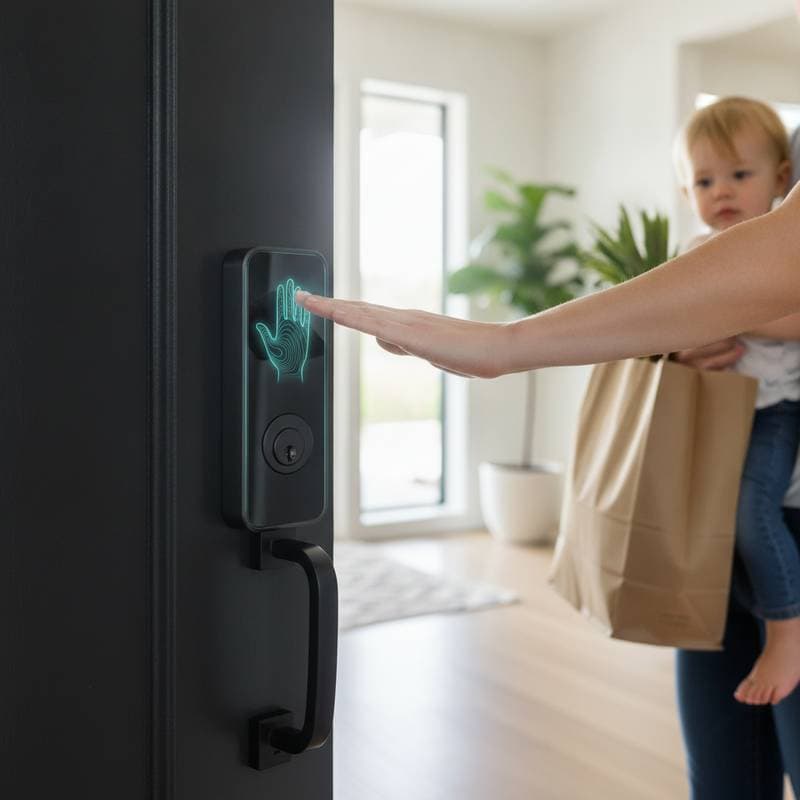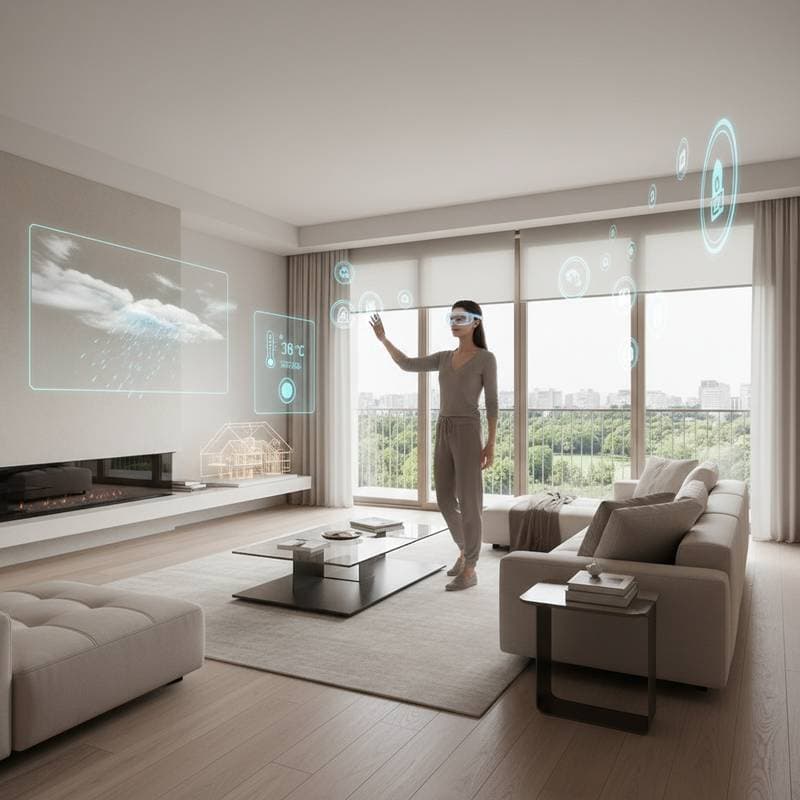
Imagine Your Smart Home Floating Before Your Eyes
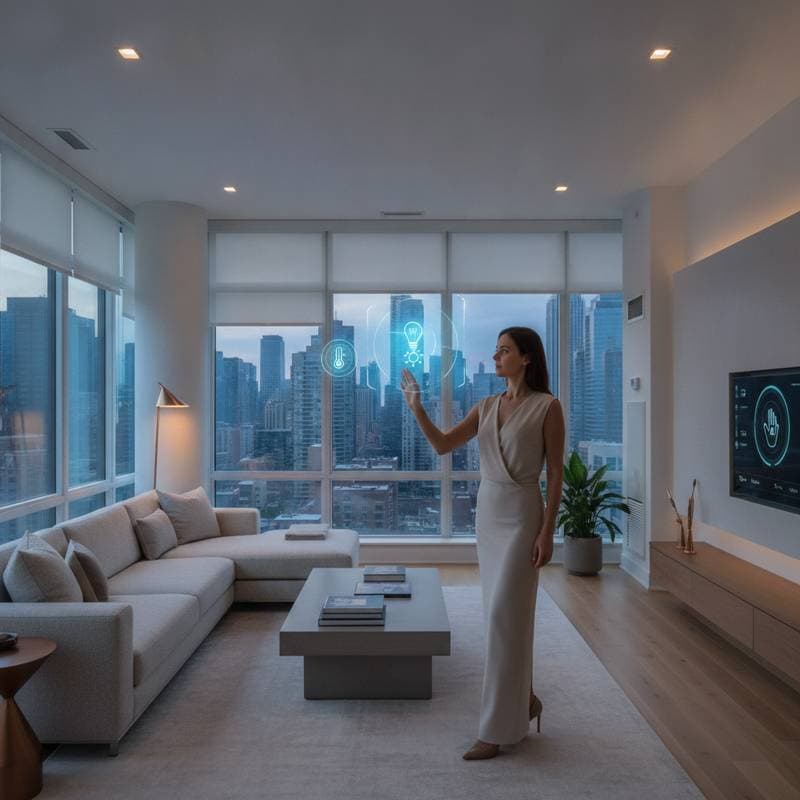
You enter your living room with coffee in hand. Rather than checking a wall-mounted control panel, floating icons for lights, thermostat, and security camera feeds appear directly in your view. A blink dims the lights. A glance toward the kitchen reveals the oven temperature hovering above the appliance like a precise digital label. This scenario resembles science fiction, yet augmented reality (AR) glasses make it a tangible reality, redefining interaction with your smart home.
Homeowners often manage connected devices through numerous apps and screens, a process that proves exhausting. AR glasses integrate digital controls into the physical environment, transforming the home into an interactive display. This approach enables effortless viewing of data, adjustment of settings, and visualization of automations.
The Challenge of Smart Home Control
A typical smart home incorporates lighting, climate control, security, and entertainment systems from various brands. Each requires its own application, interface, and learning curve. Even voice assistants tether users to phones or speakers, fragmenting the experience.
As systems proliferate, the home feels less collaborative and more demanding. AR glasses introduce contextual simplicity. Essential information appears precisely where needed: access settings materialize upon viewing the front door, while energy usage displays as transparent figures above the thermostat.
How AR Glasses Transform Smart Homes
AR glasses function as spatial displays, superimposing digital elements onto the real world. In smart home applications, this eliminates ambiguity about device functions or statuses. Sensors, cameras, and spatial mapping detect location and focus, projecting interactive controls into the user's field of view.
The strength of this technology rests in its immediacy. Traverse your home to adjust lighting by fixating on a fixture. Review security feeds as if attached to the door. Visualize energy use through color-coded spatial zones.
Spatial Anchors for Precision
Spatial anchoring secures virtual elements to physical locations. Anchor a virtual thermostat display above the actual unit, or position a private reminder near the entryway. This alignment persists across room transitions, maintaining relevance to the home's layout.
Setting Up an AR Smart Home Display
Adopt AR control without overhauling existing systems. Overlay AR visualization onto current ecosystems for enhanced functionality.
Step 1: Select Compatible AR Glasses
AR glasses differ in features and ergonomics. Consider these models across price points:
-
Budget Option: Xreal Air 2 (approximately $399). These lightweight glasses link to smartphones or laptops, delivering vivid images suitable for mirroring dashboards or basic widgets.
-
Mid-Range Option: Meta Ray-Ban Smart Glasses (approximately $499). They incorporate voice commands and subtle design, integrating with assistants for efficient scene activation despite limited overlays.
-
Premium Option: Apple Vision Pro (approximately $3,499). This device enables comprehensive spatial computing, creating 3D environmental maps and precise virtual pinning over physical devices.
Step 2: Integrate with Your Smart Home Ecosystem
Select an AR platform compatible with current devices. Matter and HomeKit standards unify brands, granting access to lighting, climate, and security data through a single interface.
Step 3: Map Your Space
After connection, navigate your home to generate a digital map. Assign virtual markers to devices: a living room lamp displays brightness as a floating percentage, while a thermostat shows temperature and humidity. Completion requires under an hour for average homes.
Step 4: Customize the Display
Tailor visible elements to preferences. Opt for minimal overlays highlighting essentials, or develop room-specific dashboards. Implement a guest mode to present simplified controls during visits.
Safety and Comfort Considerations
AR glasses demand equilibrium between immersion and practicality. Prolonged use risks eye strain if brightness or focus remains unadjusted. Prioritize models with adaptive brightness and adjustable transparency to prevent digital elements from dominating the view.
Adhere to guidelines near hazards like stairs. Remove glasses during rapid movement or when handling loads, as overlays may obscure vision. For automation involving wiring or circuits, engage a licensed electrician; advanced setups often necessitate professional sensors or power configurations.
Budget and Upgrade Path
AR glasses transition from luxury to accessibility as prices decline. Basic overlay models start below $500, while spatial computing units command premium rates for superior capabilities.
Anticipate expenditures of:
- $500 to $1,000 for foundational visualization tied to existing devices
- $1,000 to $2,500 for setups featuring anchors and gestures
- $3,000 and higher for immersive mapping with real-time environmental awareness
Before investing in glasses, explore smartphone AR applications such as IKEA Place or HomeAR. These simulate spatial enhancements via phone cameras, previewing benefits without commitment.
The Broader Vision of AR in Smart Homes
AR displays extend beyond gimmicks to enable context-aware control. Information surfaces based on location and needs, rather than database queries.
Envision recipe steps materializing over kitchen counters or plant health metrics, including moisture, appearing upon inspection. Future integrations with sensors will deliver ongoing insights into air quality, temperature, and efficiency.
AR for Maintenance and Troubleshooting
AR streamlines upkeep through projected manuals. Manufacturers offer holographic guides for repairs or installations. Recalibrate a thermostat by following overlaid prompts, bypassing dense documents.
Practical Integration Strategies
Begin integration modestly, targeting one or two rooms like living areas or kitchens, where multiple devices gain from contextual access.
Follow this rollout:
-
Visual Mapping: Apply AR tags to appliances, lights, and sensors.
-
Automation Scenes: Gaze at the dining table to activate "Dinner Mode," dimming lights and queuing music.
-
Performance Tracking: Compare AR usage against voice or app methods to refine spatial features.
Expand to entryways or offices upon success.
Smart Home Ecosystem Compatibility
Compatibility hinges on platforms like Google Home, Apple HomeKit, or Amazon Alexa, which accommodate AR via apps. Matter certification ensures seamless device communication.
Advanced customization pairs IFTTT or Home Assistant with AR for visual cues, such as illuminated notifications above completing appliances.
Living with AR Displays
A home where digital and physical realms merge renders traditional screens obsolete. Controls integrate intuitively, eliminating recall of apps or routines. Information awaits in your environment, enhancing daily efficiency and immersion.
Frequently Asked Questions
What AR glasses work best for beginners? Start with budget models like Xreal Air 2 for simple overlays before advancing to premium spatial systems.
Do AR glasses replace voice assistants? They complement voice controls, adding visual context for precise, hands-free adjustments.
How secure is AR smart home data? Use encrypted platforms like Matter to protect information, ensuring overlays remain private.
Can AR integrate with non-smart devices? Retrofit legacy items with compatible hubs to enable AR visualization and control.